
How to create a dynamic block definition in a few simple steps
In order to get a Dynamic Block Definition, improve block editing efficiency and avoid repeating modifications, we can create Dynamic Block by the following steps.

How to redefine blocks in CAD
In CAD (Computer-Aided Design) software, a block is a collection of objects that are combined into a single object. Blocks are used to represent repetitive elements in a drawing.

How to create 3D CAD blocks in Houseplan?
3D CAD blocks are named groups of objects that work as a single 3D object and can be used to create repeated content to improve efficiency and reduce redundancy.

What are 2D CAD blocks and how to download and use them in CAD
If you’re working on a project with CAD software, it’s important and useful to know how to use and create blocks, which can greatly improve design efficiency and save time.

Steps to take when creating dynamic blocks
Dynamic block is a very useful feature in CAD, and there are a few steps users can take to create high-quality dynamic blocks with efficiency.
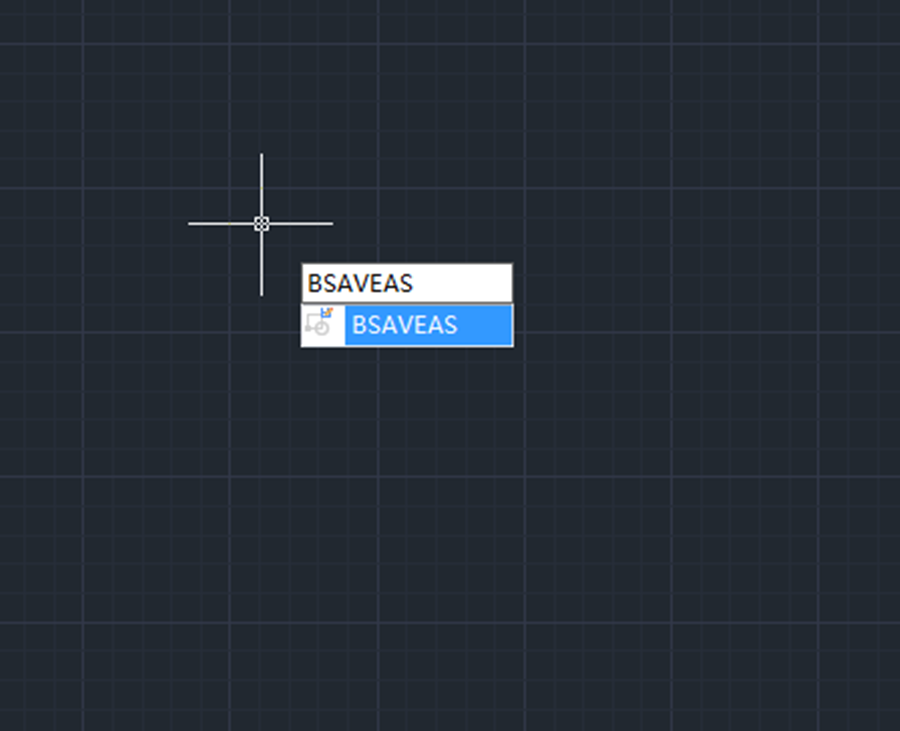
How to save a block as a new block in CAD?
How to save a block as a new block in CAD? Double-click the block to enter Block Editor

Will same-name blocks in other drawings update once the block is modified
Will same-name blocks in other drawings update once the block is modified

Block cannot be exploded in CAD?
Block cannot be exploded in CAD ?
Did you check “Allow exploding” when defining a block ?

How to edit multiple attributes at a time —— BATTMAN command
The BATTMAN command controls all attribute properties and settings of a selected block definition. And any changes to the attributes in the block definition are reflected in the block references.

How to change base point in block with GstarCAD 2022
CHANGEBASE command is used to change the base point of a block.







