
One way to rotate horizontal graphics to make them parallel to angled line
Suppose there is an angled line and an object that needs to be rotated to be parallel to that line, what are we gonna do?
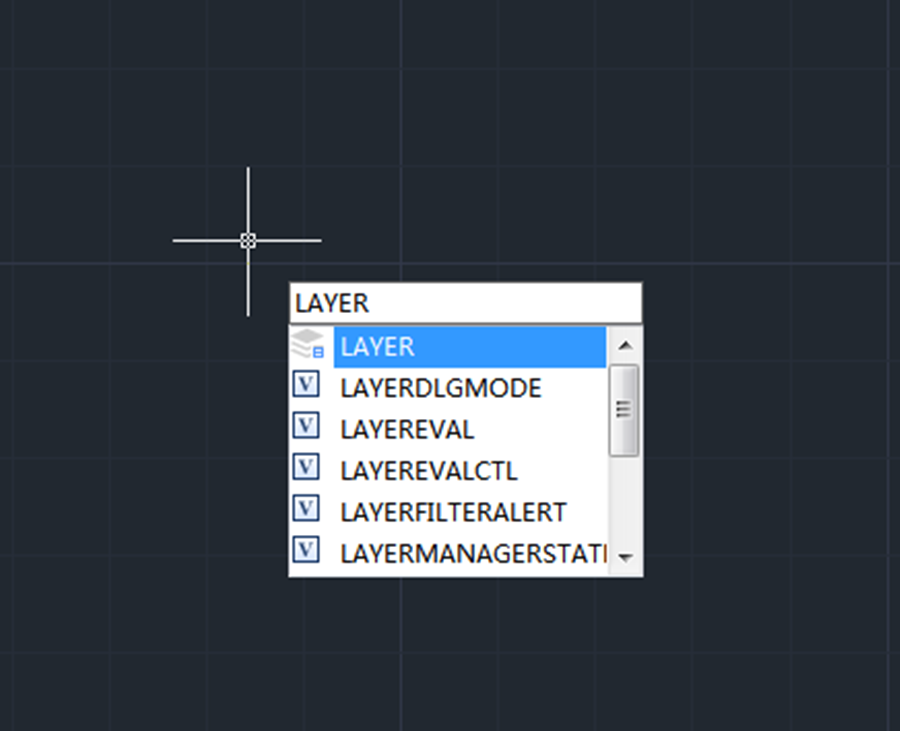
What are unreconciled layers and how to fix them?
Unreconciled layers are layers that have been added to the drawing or to attached Xrefs since the layer list was last plotted, saved, etc.

How to copy elements from external reference files and block with NCopy
NCopy command is used to copy objects that are contained in an external reference, block, or DGN underlay. Users can copy selected objects into the current drawing without exploding or binding an external reference, block or DGN underlay.
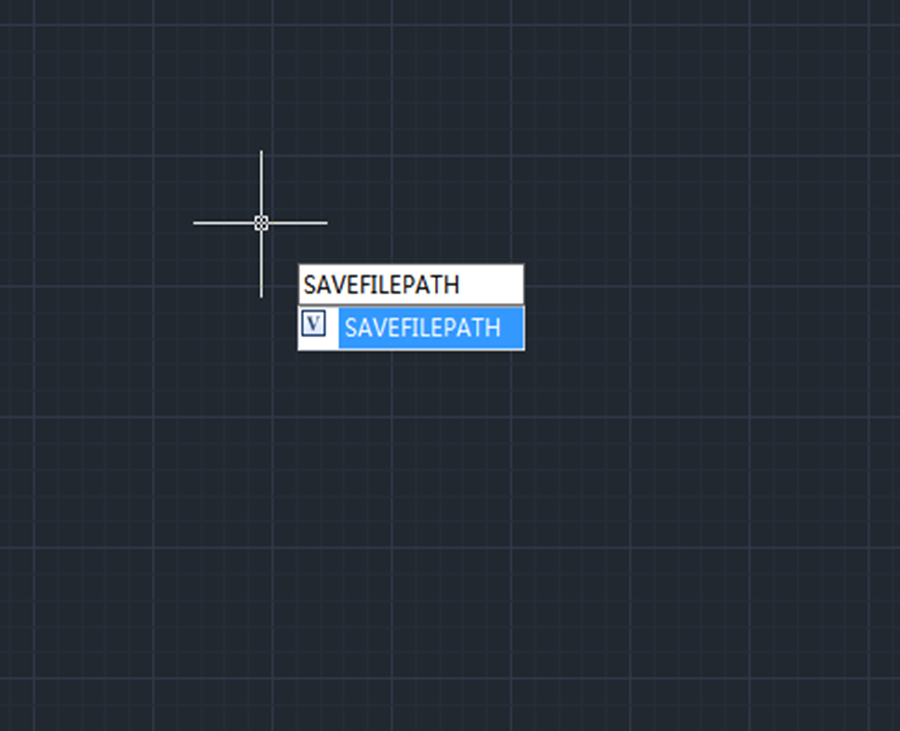
How to recover unsaved CAD files from AutoSave
Users can recover unsaved CAD files using the AutoSave feature. In order to use the AutoSave feature, we need to enable it in the settings.

How to be more productive with command line
Users can simply change the command line size by expanding it using the cursor, just like in the following picture,

Cannot select objects before command?
Normally, CAD users can either click on a command icon and then select an object or select an object first and then click on the command icon, both will do. But what to do when you can’t select objects before running the command?
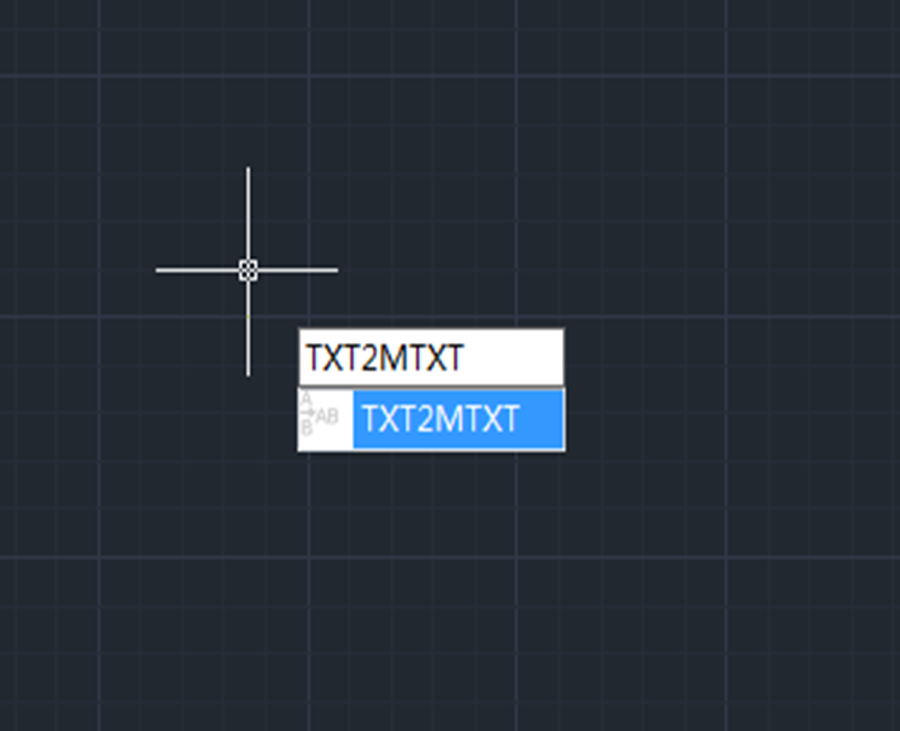
How to work on text with TXT2MTXT command
The TXT2MTXT is used to convert or combine single-line or multiline text objects into one or more multiline text objects.

How to make selection easy with Filter command
Filter command is used to create a list of requirements that an object must meet to be included in a selection set.

Enhanced VBA in GstarCAD 2023
Now the 64Bit VBA ( Visual Basic for Applications) are supported in the GstarCAD 64bit Platform of GstarCAD 2023.

How to change Scroll zoom speed in CAD?
Do you want to change the rate at which you zoom in or out? Maybe it’s too slow or too fast now?







