Options to simplify drawing appearances

Speeding up the whole system and optimizing GstarCAD are the better ways to make it work lighter and faster.

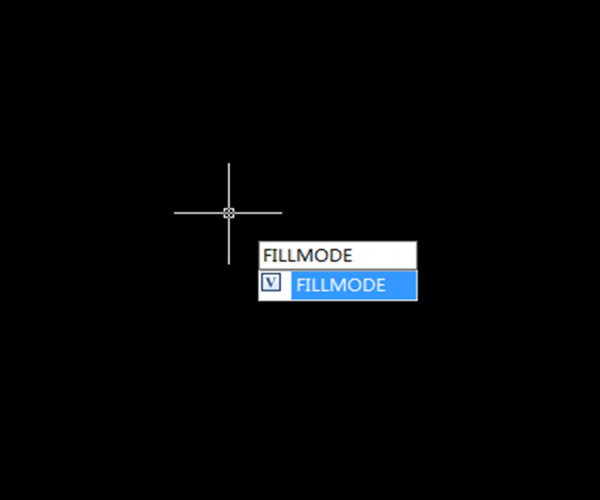
FILLMODE

FILLMODE is very useful for drawings with hatches and solid fills. If you feel hatches degrade your computer performance, you can change FILLMODE to 0. This variable is also stored in drawing.

RTDISPLAY

If you embed or reference images in your drawing, you can feel that panning and zooming are slow. Especially if the images are high resolutions and you have many of them in drawing.

You can change RTDISPLAY to 0. By default, the value is 0. But probably you or your coworker turned it on before to see the image when navigating drawing. This value is also stored in registry.

MAXACTVP

This is for you who need to work in layout with many viewports. You can set maximum visible viewport contents. So if you have issue with performance, you can set it to low number. It will not affect your plot result. 


Discover more from Gstarsoft's Blog

Subscribe to get the latest posts sent to your email.

  • GstarCAD Blog

    www.gstarcad.net

    Related Posts

    The Ultimate Guide to GstarCAD Mechanical 2026: The Future of Manufacturing Design

    GstarCAD Mechanical 2026 drafting/design software, covers all fields of mechanical design.

    How to Calculate CAD Area Quickly?

    As a CAD designer, are you frustrated by the cumbersome and error-prone manual CAD area calculation? GstarCAD offers multiple efficient CAD area calculation methods!

    Leave a Reply

    Don't Miss out

    Building the Future of Steel: How Tarkon Optimizes Structural Design with GstarCAD

    • May 7, 2026
    Building the Future of Steel: How Tarkon Optimizes Structural Design with GstarCAD

    GstarCAD 2026: Is It Time to Look Beyond the AutoCAD Legacy?

    • April 21, 2026
    GstarCAD 2026: Is It Time to Look Beyond the AutoCAD Legacy?

    Gstarsoft Showcases Integrated CAD + BIM Solutions at BIM World Paris 2026

    • April 3, 2026
    Gstarsoft Showcases Integrated CAD + BIM Solutions at BIM World Paris 2026

    Boost CAD Productivity with GstarCAD 2026’s XTP Import Feature

    • March 24, 2026
    Boost CAD Productivity with GstarCAD 2026’s XTP Import Feature

    Case study: How TopenTech Optimized Equipment Diagnostics and Field Productivity with GstarCAD

    • March 9, 2026
    Case study: How TopenTech Optimized Equipment Diagnostics and Field Productivity with GstarCAD

    The Ultimate Guide to GstarCAD Mechanical 2026: The Future of Manufacturing Design

    • January 30, 2026
    The Ultimate Guide to GstarCAD Mechanical 2026: The Future of Manufacturing Design

    Discover more from Gstarsoft's Blog

    Subscribe now to keep reading and get access to the full archive.

    Continue reading

    Discover more from Gstarsoft's Blog

    Subscribe now to keep reading and get access to the full archive.

    Continue reading


