Make Shape

The new Make Shape command creates a shape definition based on selected objects. You can create custom linetypes easily. If you create a shape that exceeds 2200 bytes of data, Make Shape creates complex geometry shapes to form a single shape.


Discover more from Gstarsoft's Blog

Subscribe to get the latest posts sent to your email.

GstarCAD Blog

www.gstarcad.net

Related Posts

GstarCAD 2027 Deep Dive: How to Copy a CAD Drawing into Word

When a floor plan is ready for review, the conversation often moves beyond CAD. Clients want to see it in a proposal; project managers need it alongside notes and decisions…

Old Factory Renovation with AI Rendering: Reimagine Industrial Buildings with GstarRender

Old factories often have an architectural character that is difficult to recreate in new buildings. Brick facades, large windows, exposed structures, high ceilings, and simple industrial forms can all become…

Leave a Reply

Don't Miss out

GstarCAD 2027 Deep Dive: How to Copy a CAD Drawing into Word

  • November 25, 2026
GstarCAD 2027 Deep Dive: How to Copy a CAD Drawing into Word

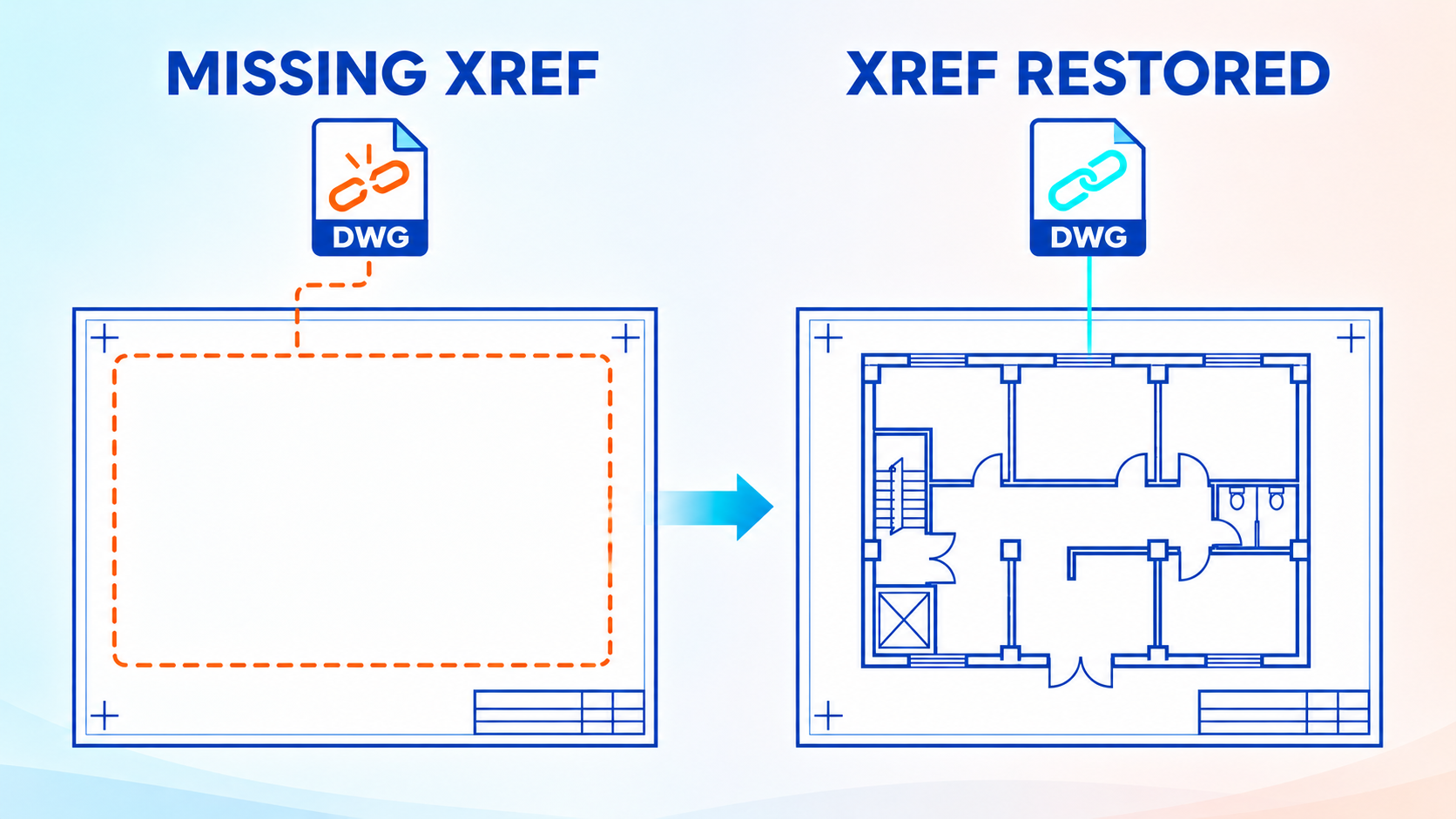
How to Fix Missing Xrefs in a DWG File

  • November 19, 2026
How to Fix Missing Xrefs in a DWG File

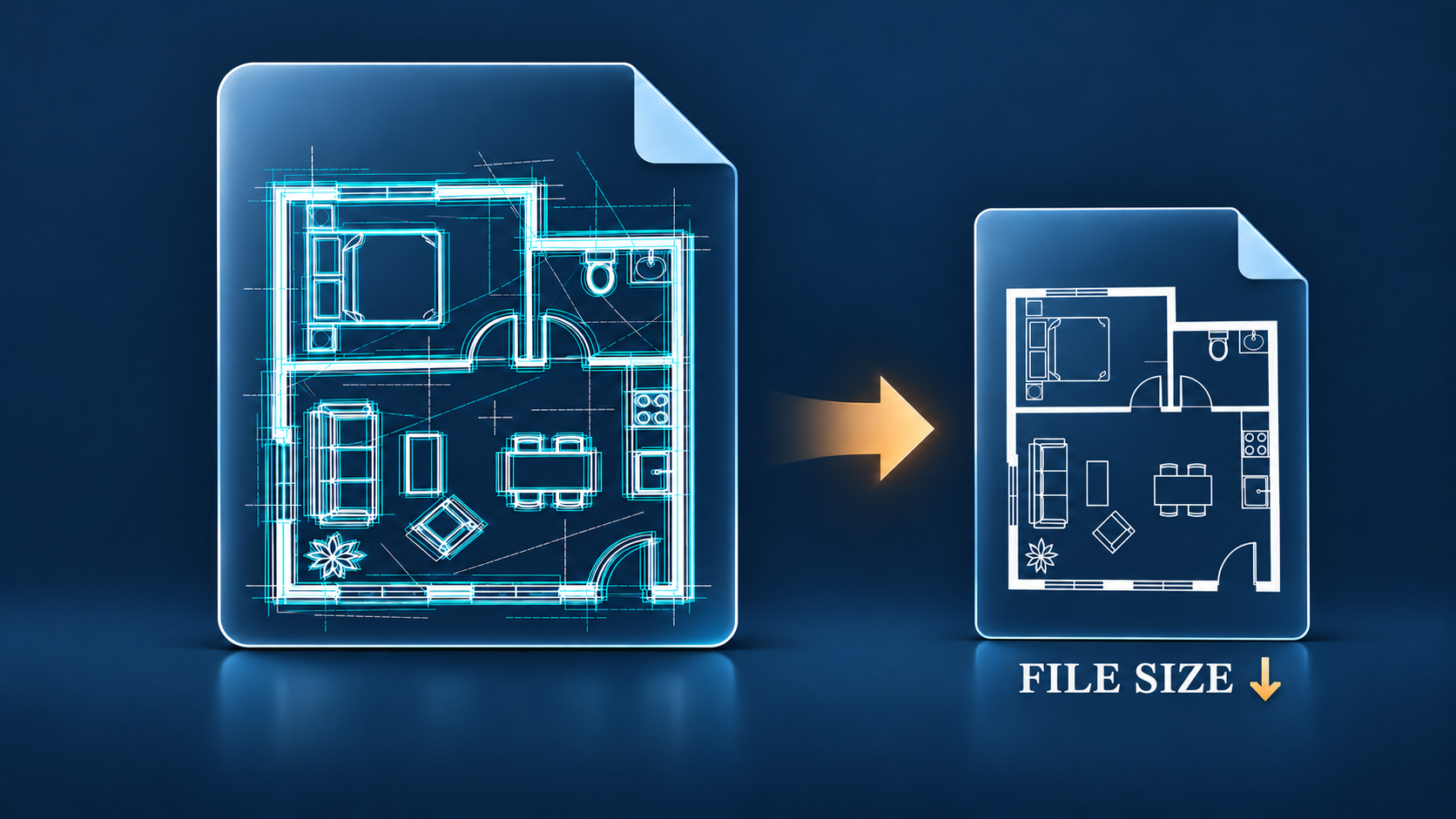
Why Is My DWG File So Large and How to Reduce It Safely

  • November 11, 2026
Why Is My DWG File So Large and How to Reduce It Safely

What Is a DXF File? A Practical Guide to CAD Exchange

  • November 4, 2026
What Is a DXF File? A Practical Guide to CAD Exchange

What Is a DWG File? An Easy Guide for CAD Beginners

  • October 30, 2026
What Is a DWG File? An Easy Guide for CAD Beginners

What’s New in GstarRender: AI Architectural Visualization from Concept to Video

  • October 29, 2026
What’s New in GstarRender: AI Architectural Visualization from Concept to Video

Discover more from Gstarsoft's Blog

Subscribe now to keep reading and get access to the full archive.

Continue reading