Laytrans command is used to change the current layer to specified layer standard.
If we receive drawings from our colleagues or business partners and we need to make changes to the drawings to make them apply to the standards of your organization, then you surely need LAYTRANS command. With this useful command, you don’t need to modify the drawings one by one.
How to access the Laytrans Command
When using 2D Drafting workspace, find
Manager > CAD Standards > Layer Translator(LAYTRANS), as shown in the following picture,

When using GstarCAD Classic workspace, find
Format> Layer tools > Layer Translator, as shown in the following picture,

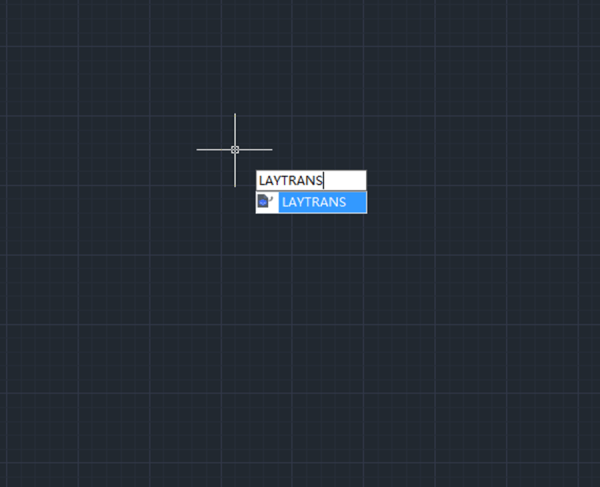
Or we can enter “LAYTRANS”, as shown in the following picture,

The Layer Translator dialogue box
After executing the Laytrans command, the Layer Translator dialog box will pop up, as shown in the following picture,

Discover more from Gstarsoft's Blog
Subscribe to get the latest posts sent to your email.







