Clip

New CLIP command clips a block, external reference, image, viewport, and underlay (PDF or DGN) to a specified boundary. It can be used to replace XCLIP, IMAGECLIP, VPCLIP, PDFCLIP, DGNCLIP commands.


Discover more from Gstarsoft's Blog

Subscribe to get the latest posts sent to your email.

GstarCAD Blog

www.gstarcad.net

Related Posts

Old Factory Renovation with AI Rendering: Reimagine Industrial Buildings with GstarRender

Old factories often have an architectural character that is difficult to recreate in new buildings. Brick facades, large windows, exposed structures, high ceilings, and simple industrial forms can all become…

GstarCAD Deep Dive: What Really Happens Inside a CAD Block?

Blocks are everywhere in CAD. A door symbol. A bolt. A valve. A title block. A machine component. At first glance, a block may look like several drawing objects simply…

Leave a Reply

Don't Miss out

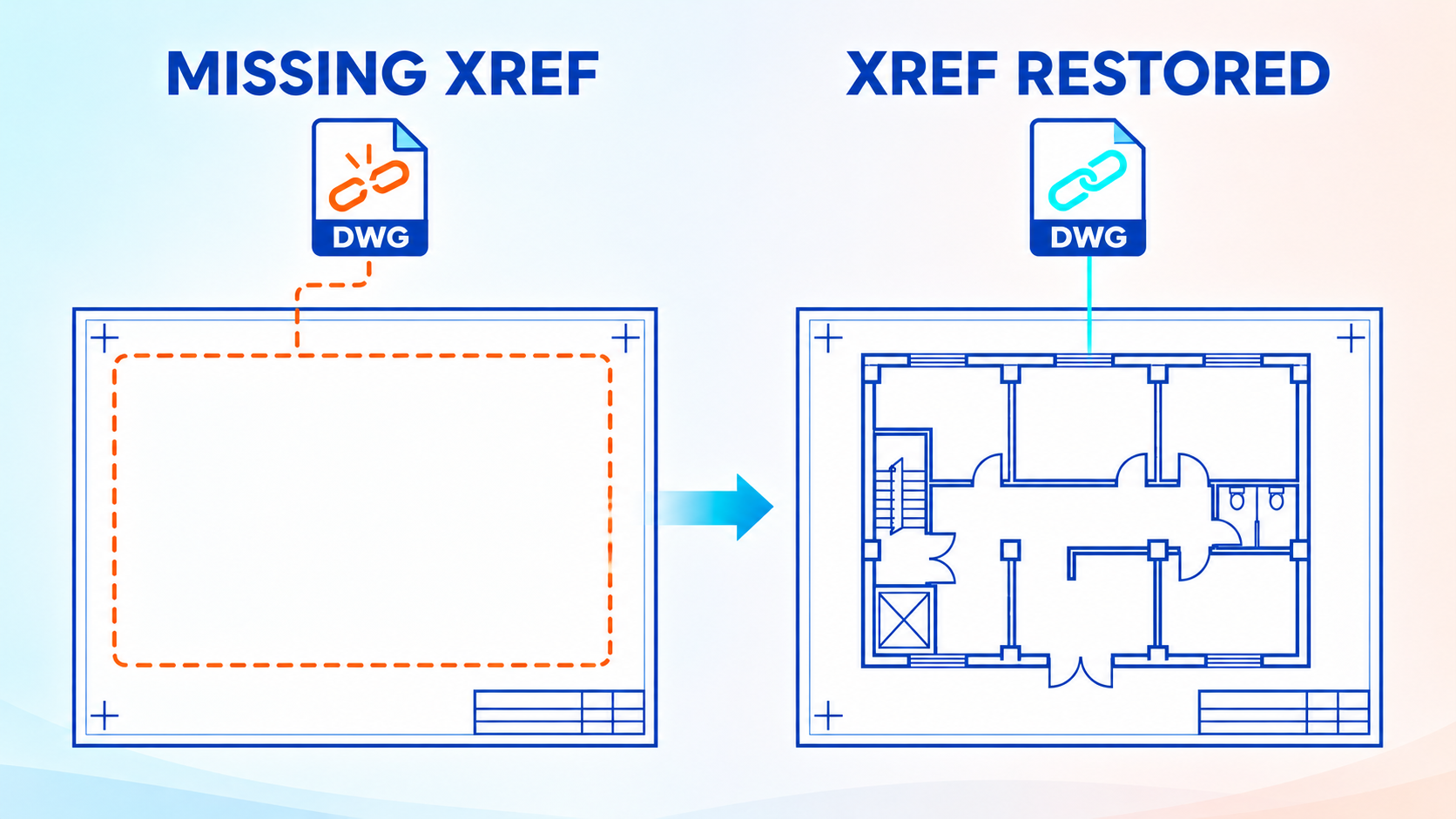
How to Fix Missing Xrefs in a DWG File

  • November 19, 2026
How to Fix Missing Xrefs in a DWG File

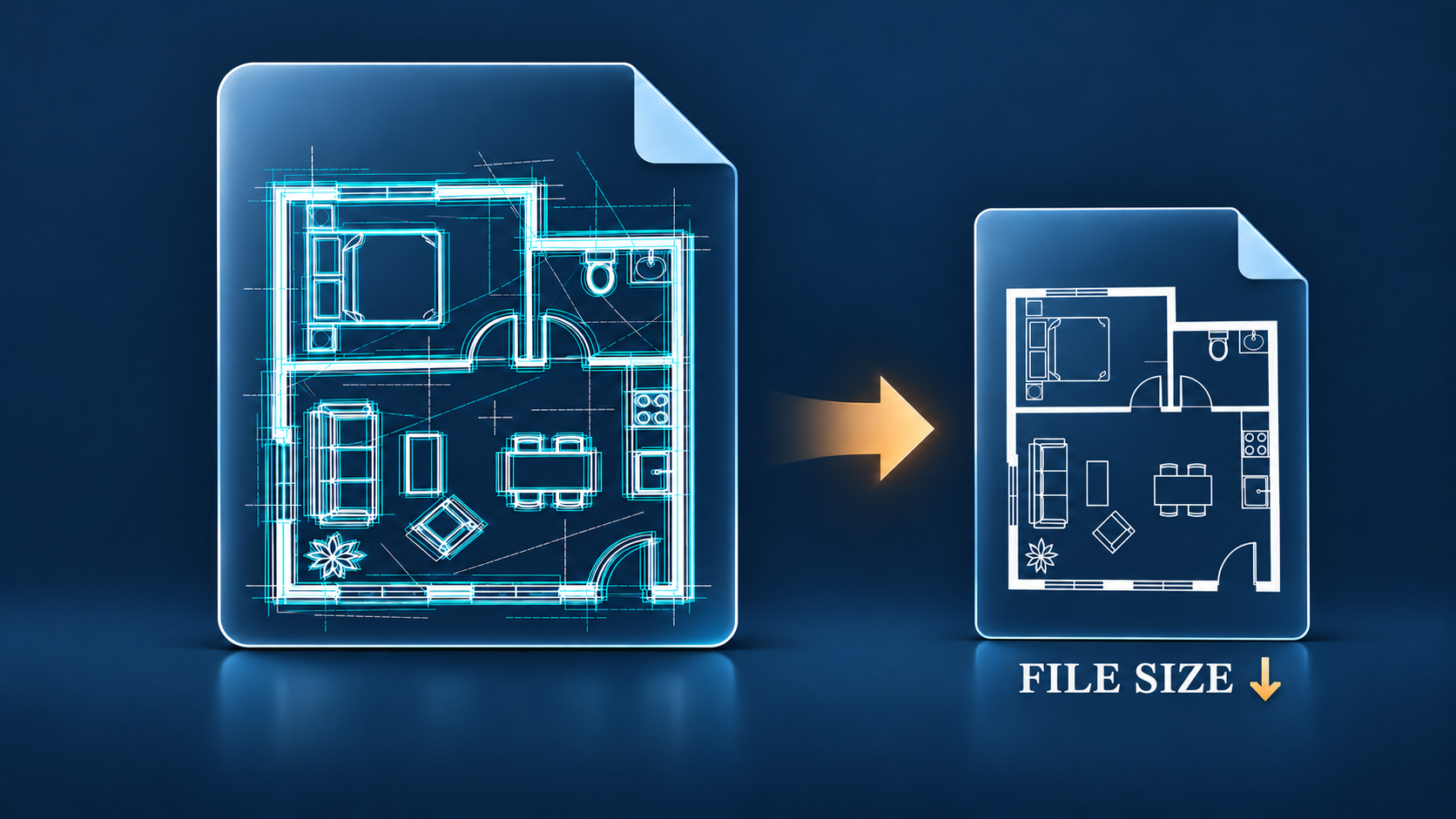
Why Is My DWG File So Large and How to Reduce It Safely

  • November 11, 2026
Why Is My DWG File So Large and How to Reduce It Safely

What Is a DXF File? A Practical Guide to CAD Exchange

  • November 4, 2026
What Is a DXF File? A Practical Guide to CAD Exchange

What Is a DWG File? An Easy Guide for CAD Beginners

  • October 30, 2026
What Is a DWG File? An Easy Guide for CAD Beginners

What’s New in GstarRender: AI Architectural Visualization from Concept to Video

  • October 29, 2026
What’s New in GstarRender: AI Architectural Visualization from Concept to Video

GstarCAD Deep Dive: What’s New in Batch Plotting for 2027?

  • October 20, 2026
GstarCAD Deep Dive: What’s New in Batch Plotting for 2027?

Discover more from Gstarsoft's Blog

Subscribe now to keep reading and get access to the full archive.

Continue reading