
Boost CAD Productivity with GstarCAD 2026’s XTP Import Feature
For design teams, standardized CAD configurations and efficient resource reuse directly impact both workflow productivity and drawing quality. In daily design scenarios, many teams face common challenges: fragmented tool palettes…

How to Calculate CAD Area Quickly?
As a CAD designer, are you frustrated by the cumbersome and error-prone manual CAD area calculation? GstarCAD offers multiple efficient CAD area calculation methods!

The Evolution of CAD: GstarCAD’s Innovative Approach
In today’s design-driven world, Computer-Aided Design (CAD) isn’t just a tool—it’s the backbone of turning abstract ideas into tangible, functional, and precise results.

How to optimize CAD file performance: Reducing lag and improving speed
CAD software has revolutionized the way engineers, architects, and designers create and modify designs. However, as projects grow in complexity, users often experience lag and slow performance.

How to migrate from a previous release
GstarCAD 2025 adds a “Migrate from a previous release” feature in the WINDOWS Start menu program items, which allows users to migrate selected settings of old versions directly to the new version after installation without copying and setup manually under same language.

What is Building Information Modeling (BIM)?
BIM (Building Information Modeling) is not a new concept. It is one of the most talked-about topics in the building industry.
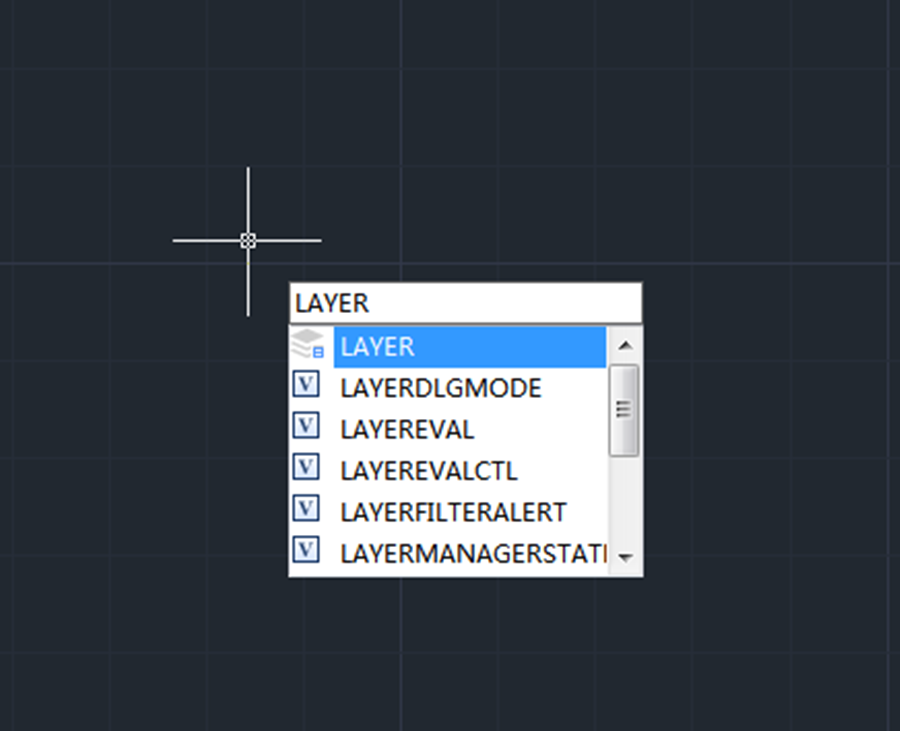
What are unreconciled layers and how to fix them?
Unreconciled layers are layers that have been added to the drawing or to attached Xrefs since the layer list was last plotted, saved, etc.

How to be more productive with command line
Users can simply change the command line size by expanding it using the cursor, just like in the following picture,
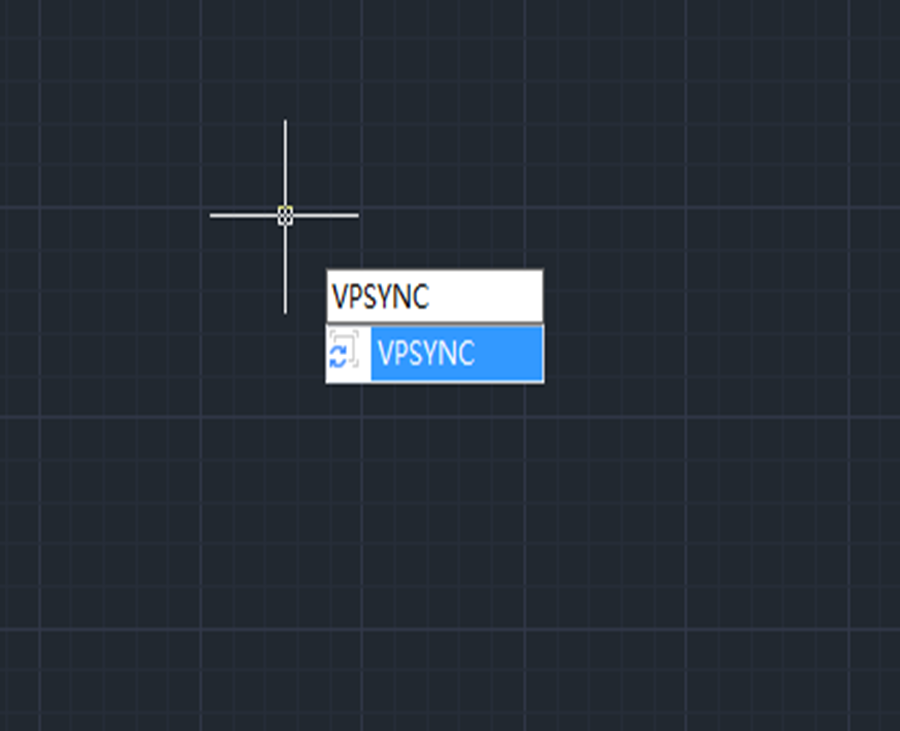
How to Synchronize Viewports in GstarCAD 2023
VPSYNC command is used to align the views in one or more adjacent layout viewports with a master layout viewport.






?)


