
How to make dimension text bigger or smaller in CAD?
Have you ever encounter the problem that the dimension line contain very big or small information about the dimension, actually, we can increase or decrease the height using Dimension Style.

The EXTRIM command
The Extrim command is used to trim one side of an object which is intersecting with other objects. The object can be polyline, line, circle, arc, ellipse, image or text.

How to write superscript and subscripts in CAD?
If we need to add superscripts or subscripts such as squared, cubed or fractional symbols, we’ll need to use the Stack function for the Text, that is the b/a button,

Beginner tutorial: Ways to define Hatch Boundary
There are three ways to define the boundary.
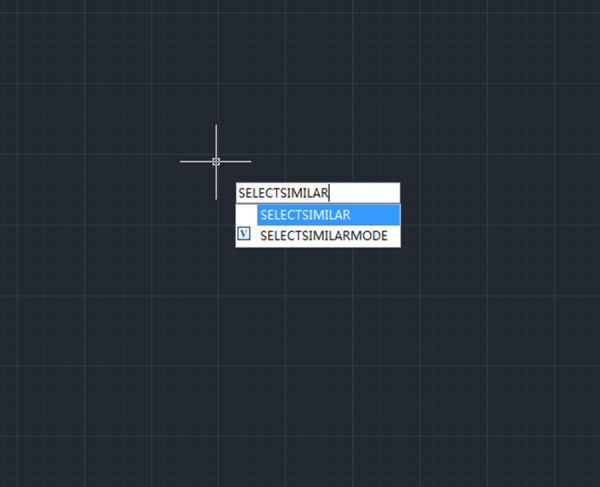
How to select similar objects?
The QSELECT command is used to create selection sets according to filter conditions. We can filter by the object type and property.
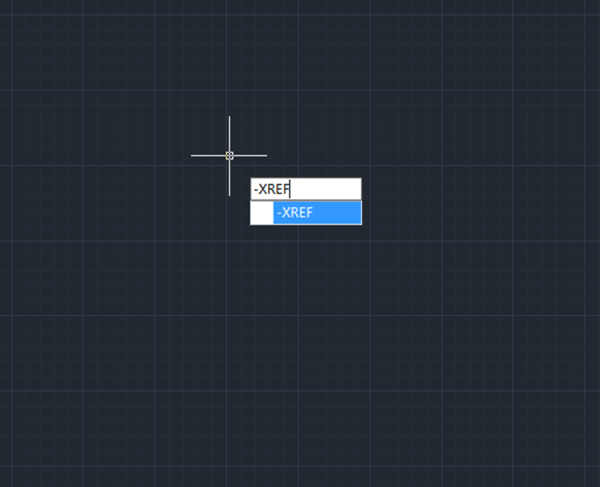
How to reload and bind all the references?
How to reload and bind all the references?
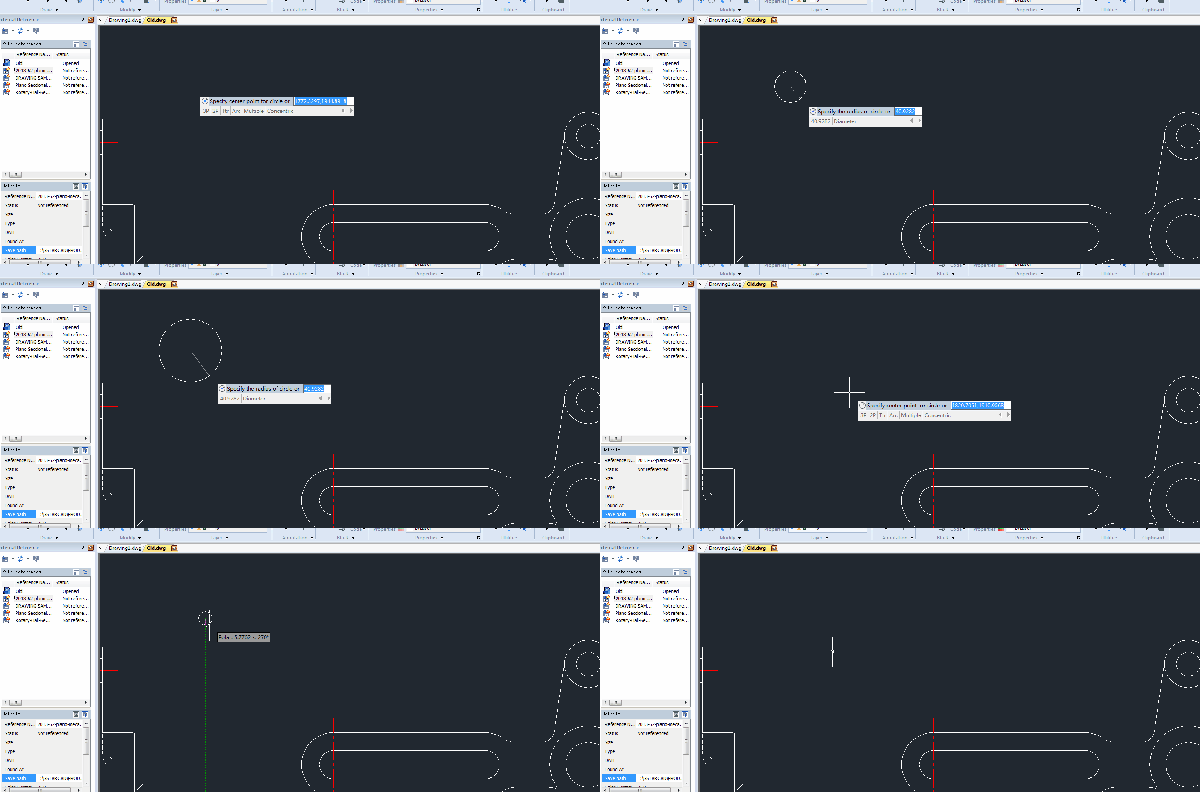
I can’t see what I’m drawing in CAD
Sometimes we can’t see what we’re drawing, there would be no preview.
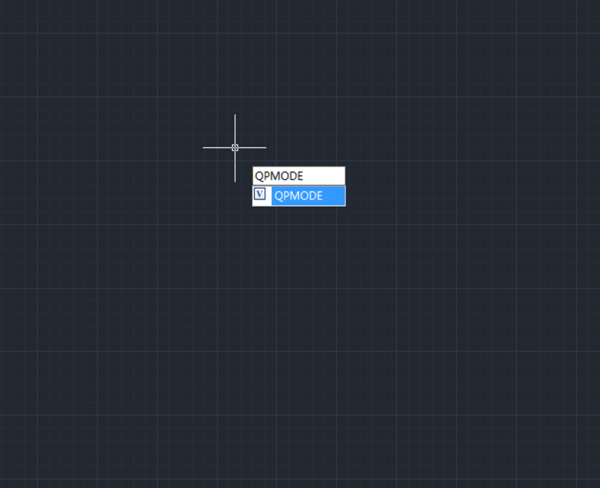
What is Quick Property in CAD and how to use it?
GstarCAD has provided Quick Property palette allowing users to focus on the object properties they prefer to save the limited drawing space.

How to modify the sample text of Mtext ?
By default the sample text reads abc, but we can enter system variable MTJIGSTRING to change it to whatever we’d like it to read.
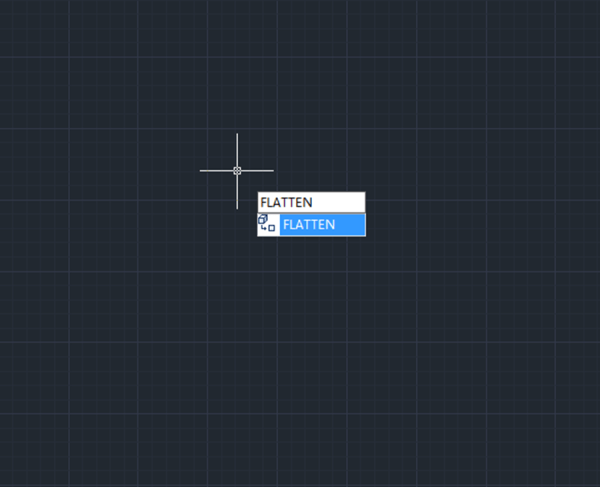
How to flatten 3D CAD drawings to 2D
There are several ways to make the z axis zero, that is to say, to flatten CAD drawings to 2D.







