What is BAK? How to disable BAK?

If you feel that generating a bunch of BAK files takes up space, it is not necessary, you can let CAD not generate BAK files, the setting method is very simple. It can be set directly through the “Options” dialog box or directly through variables.

The setting method is as follows:

In the “Open and Save” tab of the “Options” dialog box, uncheck “Create a backup copy every time you save”, as shown in the figure.

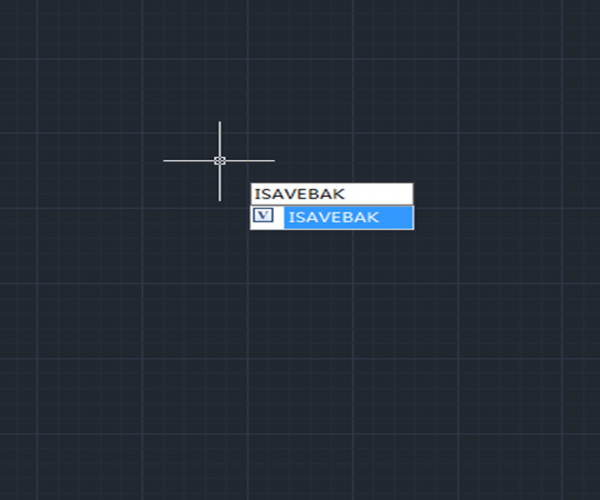
If the CAD version we are using is higher and the cursor stays on this option, a prompt will appear, telling you that this parameter is controlled by a variable: ISAVEBAK. If we remember this variable, we can set the value of the variable directly without opening the options dialog:

Enter ISAVEBAK at the command line, press Enter, enter 0, press Enter, and that’s it.

If you want to save the backup file, set this variable to 1


Discover more from Gstarsoft's Blog

Subscribe to get the latest posts sent to your email.

GstarCAD Blog

www.gstarcad.net

Related Posts

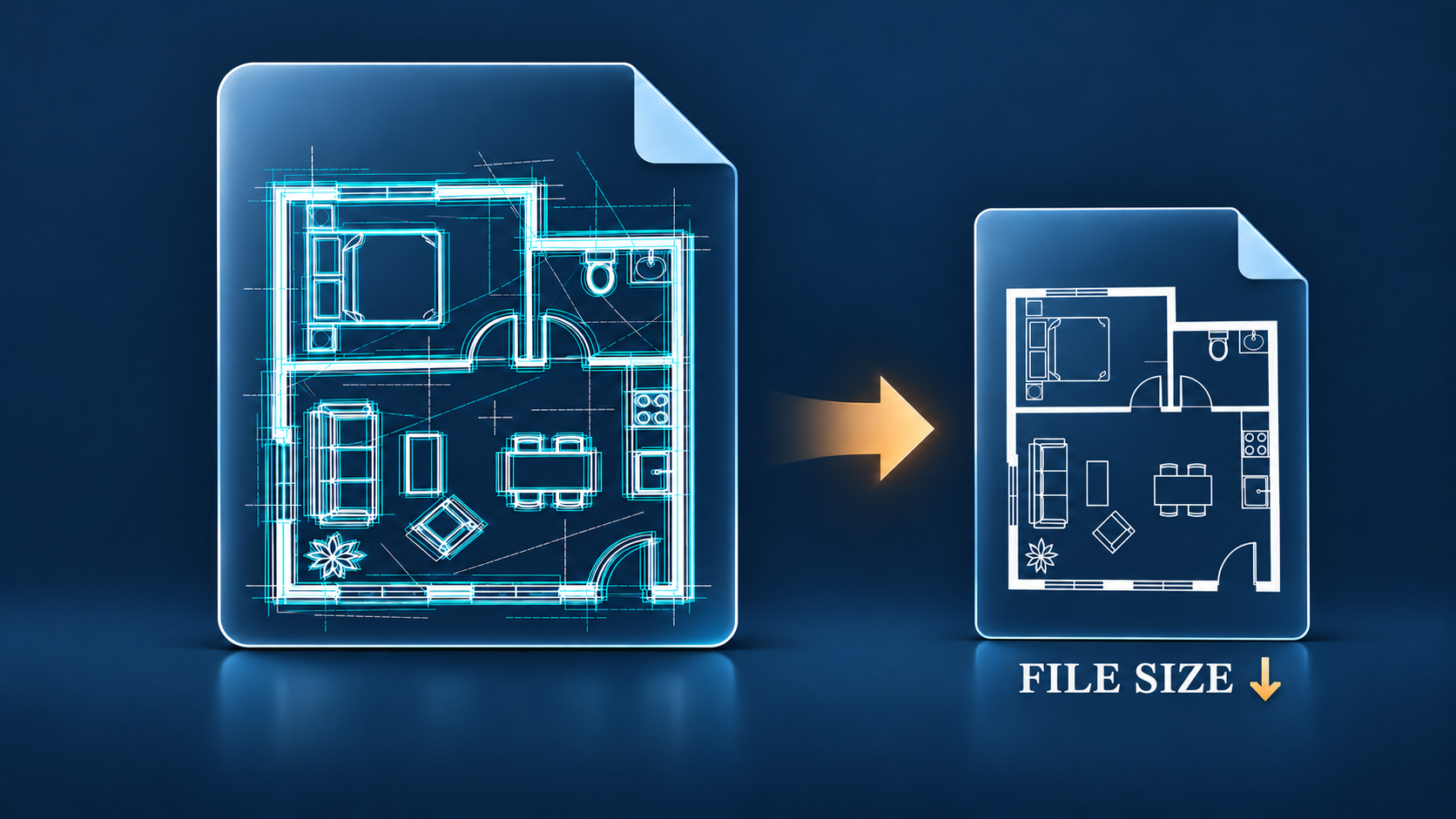
Why Is My DWG File So Large and How to Reduce It Safely

A DWG file can grow far beyond what its visible geometry seems to justify. Common causes include unused definitions, duplicate objects, imported content, empty text, zero-length geometry, registered application data,…

What Is a DXF File? A Practical Guide to CAD Exchange

A DXF file is a CAD drawing file used to exchange design information between software applications. DXF stands for Drawing Exchange Format. Autodesk introduced it so drawings could move between AutoCAD…

Leave a Reply

Don't Miss out

Why Is My DWG File So Large and How to Reduce It Safely

  • November 11, 2026
Why Is My DWG File So Large and How to Reduce It Safely

What Is a DXF File? A Practical Guide to CAD Exchange

  • November 4, 2026
What Is a DXF File? A Practical Guide to CAD Exchange

What Is a DWG File? An Easy Guide for CAD Beginners

  • October 30, 2026
What Is a DWG File? An Easy Guide for CAD Beginners

What’s New in GstarRender: AI Architectural Visualization from Concept to Video

  • October 29, 2026
What’s New in GstarRender: AI Architectural Visualization from Concept to Video

GstarCAD Deep Dive: What’s New in Batch Plotting for 2027?

  • October 20, 2026
GstarCAD Deep Dive: What’s New in Batch Plotting for 2027?

Old Factory Renovation with AI Rendering: Reimagine Industrial Buildings with GstarRender

  • October 15, 2026
Old Factory Renovation with AI Rendering: Reimagine Industrial Buildings with GstarRender

Discover more from Gstarsoft's Blog

Subscribe now to keep reading and get access to the full archive.

Continue reading