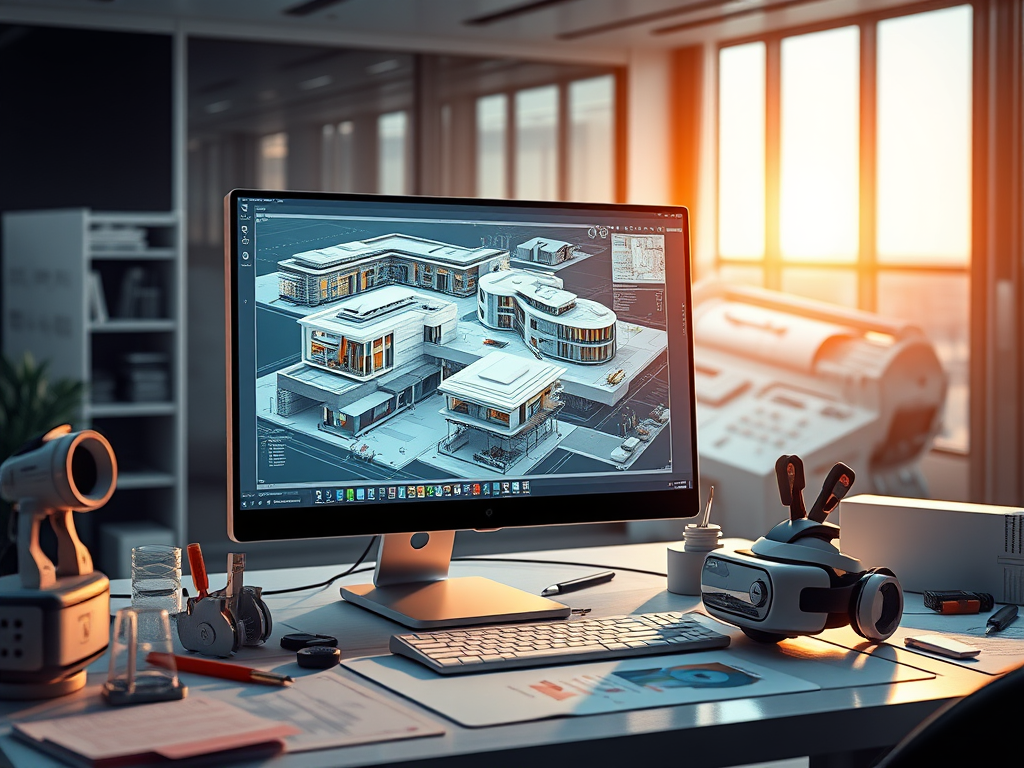
Future of CAD: AI, VR, and Market Growth Trends
The CAD (Computer-Aided Design) industry serves sectors including manufacturing, architecture, aerospace, electronics, and automotive.
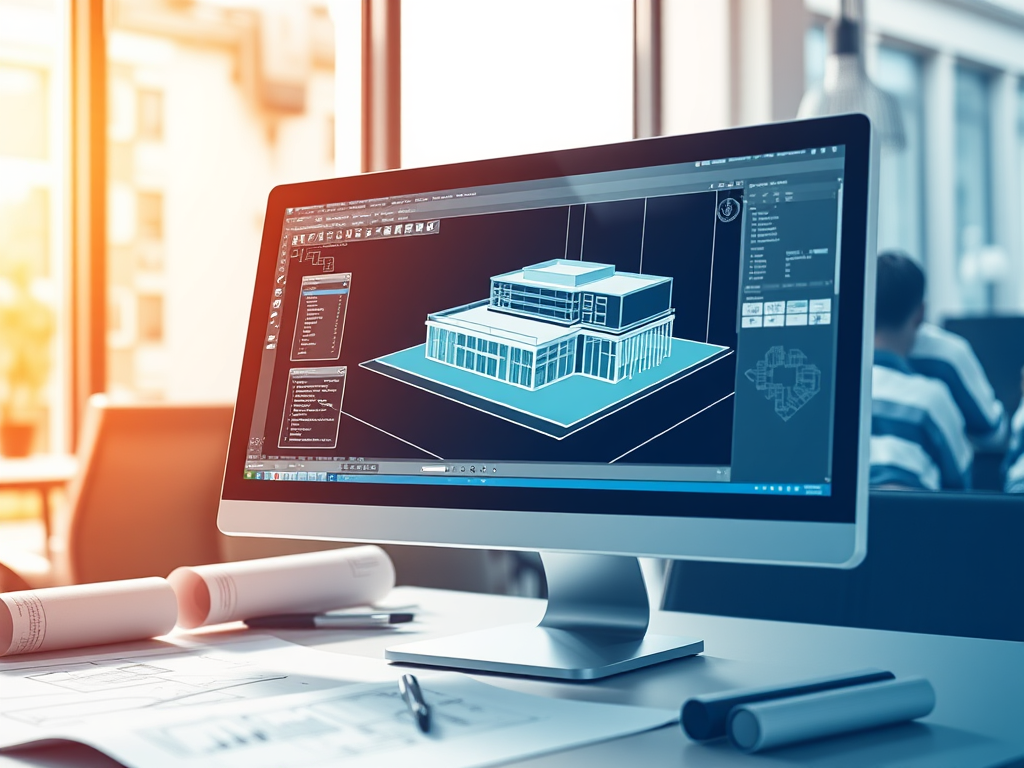
The Evolution of CAD: GstarCAD’s Innovative Approach
In today’s design-driven world, Computer-Aided Design (CAD) isn’t just a tool—it’s the backbone of turning abstract ideas into tangible, functional, and precise results.

How GstarCAD Empowers the Communications Industry: Tailored Solutions
As the communication industry evolves at a rapid pace today, precision, efficiency, and seamless collaboration have become non-negotiable for driving project success. For years, generic tools have struggled to meet…

GstarCAD 2026 for Linux Released: New Features and Performance Boost
Gstarsoft has unveiled GstarCAD 2026 for Linux, a significant update that elevates CAD functionality for Linux users.

Tired of changing your drawing again and again? Try to replace
We know Replace long time ago and use it in a word processor to find and replace text, but in CAD, Replace is more than just that, it can also be used to dimension, block, and reference, etc.
How to Checkout a project from server to local?
The checkout functionality is not only designed to download and deploy a desire project from server but also users can update project related files and directories to local machine and…
Introduction to GstarCAD Collaboration System
What does GstarCAD Collaboration System consist of ? This video may answer all your questions.
Attribute Increment
Command helps to specify attribute of block with incremental value, and to modify attribute value of blocks according to the sort method. This command can increase block attribute value that…
M2LVPORT
Quickly create a viewport on layout space by specifying an area in the model space. And then calculate the viewport size according to the set ratio and locate the viewport…
Auto Layer
Command allows you to customize and predefine the associated layer of command to streamline drafting workflow.







