
What is Current Layer and Current Style in CAD and how to switch between them?
Layer is an important concept in CAD and to better understand layer and the related concepts such as current layer. The CAD program has not only current layer, but also current color, current linetype, current text style, current dimension style, current table style, etc.
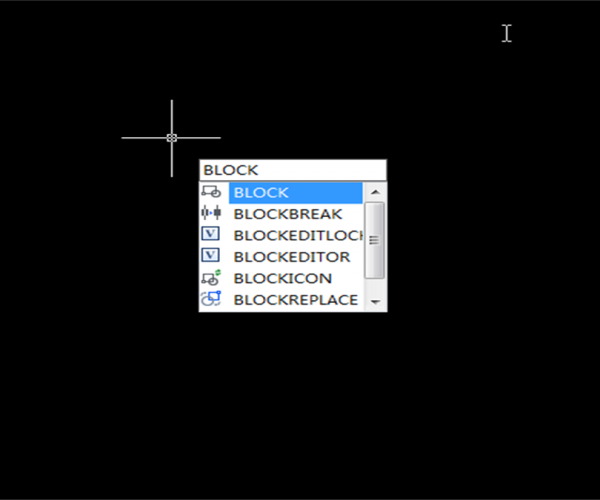
How to create CAD blocks?
The definition of attribute blocks is simple: just make your drawing, then define the attribute text and select the definitions and make them blocks, the following has introduced the definition using axis number — which is a pretty simple attribute block.
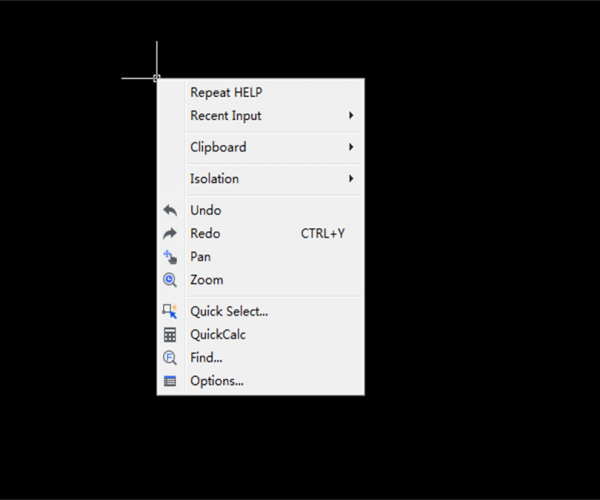
How right mouse button works in CAD?
See how right mouse button improves your working efficiency

How to turn on/off the file tabs
With those tabs, users could easily switch between different drawings and also create new drawings. However, some users may want to turn off the file tabs or they accidentally turn them off
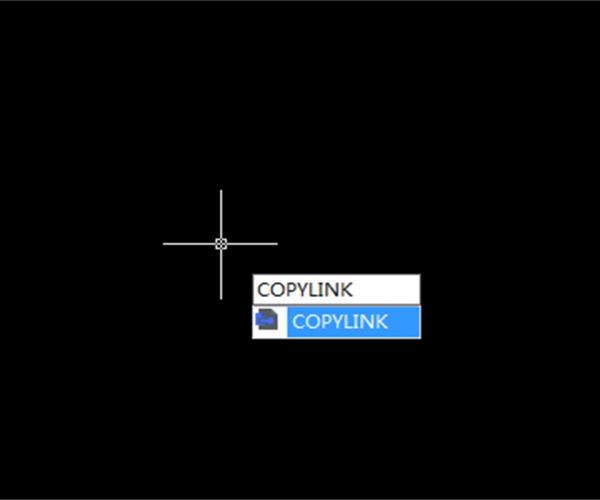
What’s the function of COPYLINK Command?
The command for copying links is COPYLINK, its function description in Help of GstarCAD 2019 is: Users could copy the current view to clipboard and paste objects in clipboard to another file as a linked OLE object.
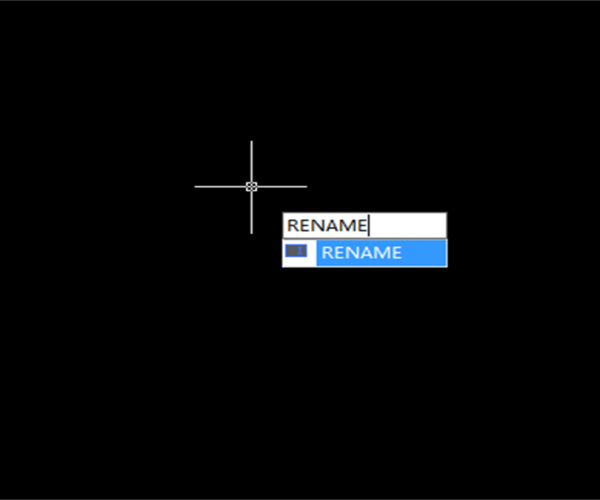
Tips for batch rename blocks in GstarCAD
When faced with tons of drawings and data, we all want to have some kind of useful tool that can deal with them altogether and that’s why people use batch commands and utilities a lot.
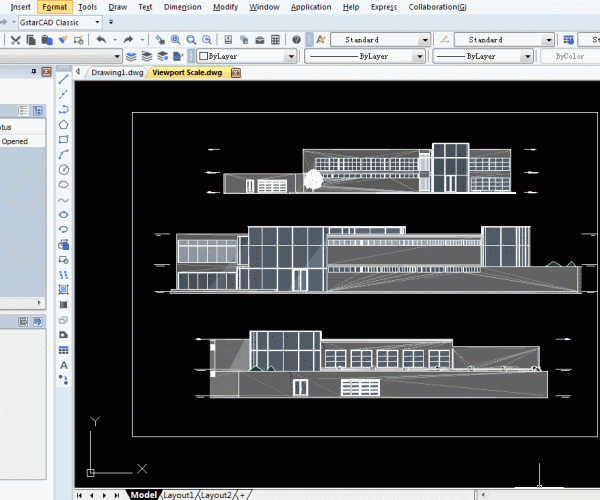
How to add prefix or suffix to drawing dimensions in CAD
Sometimes we need to add prefix or suffix to drawing dimensions in CAD, please follow the steps to do it.

Command and function of CAD Express Tools
The Express Tools of CAD fall into the following categories: layer management, block editing, text editing, dimension edit, file management, special drawing tools and so on.
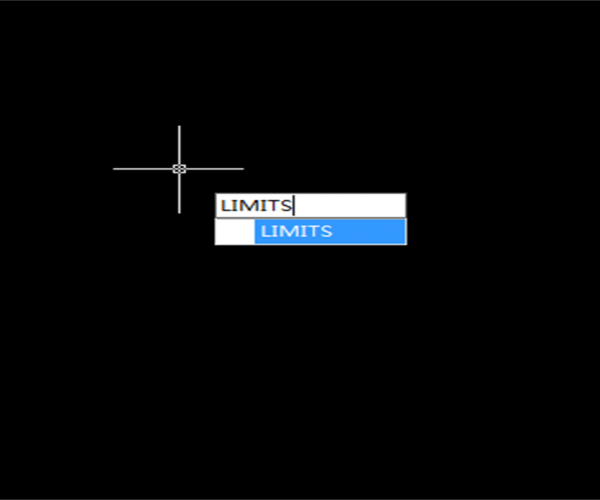
What is LIMITS in CAD? What is it used for and how to set it?
This command is from the old version of CAD. In the early version of CAD, the drawing procedure is like this: Firstly, you have to know you’re having an A4 drawing or A3 drawing, and accordingly

How to add and remove hyperlink in CAD?
Most people have used Word Processor software and seen the underlined text in blue. When moving the cursor over this hyperlink, we can see the prompts, as shown in the following picture,








