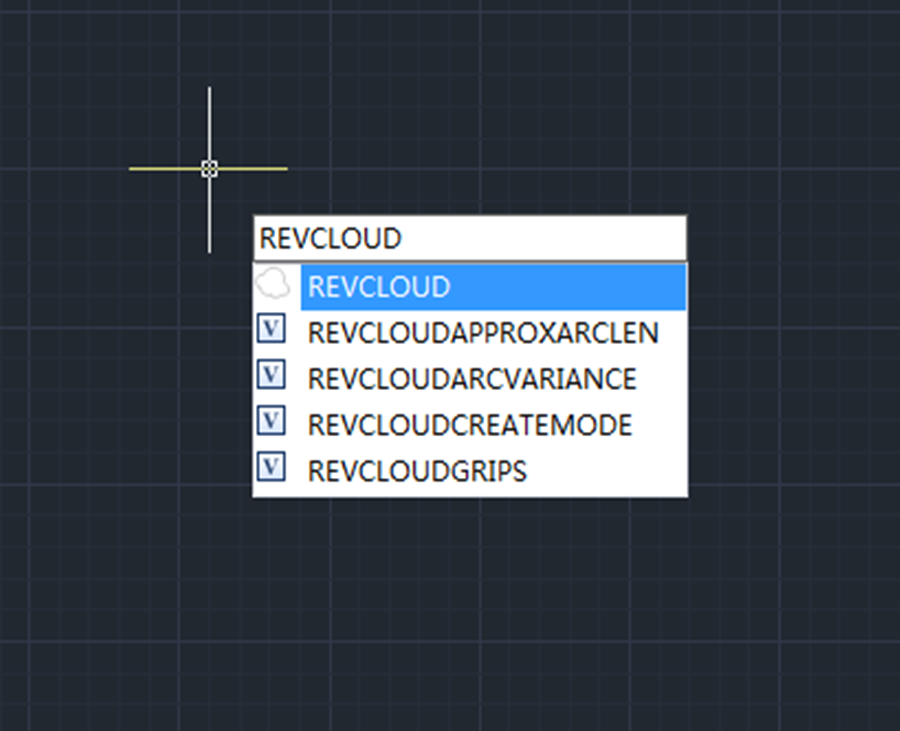
Just like its name suggests, revision cloud has cloud shapes and is used to quickly and easily highlight parts of a drawing that has been modified or revised.
GstarCAD 2023 is greatly enhanced by adding “Rectangular”, “Polygonal”, “Modify” and “Freehand” options and three related system variables.

Rectangular
Rectangular option allows users to draw a revision cloud having rectangular shape by specifying two corners of the rectangular.
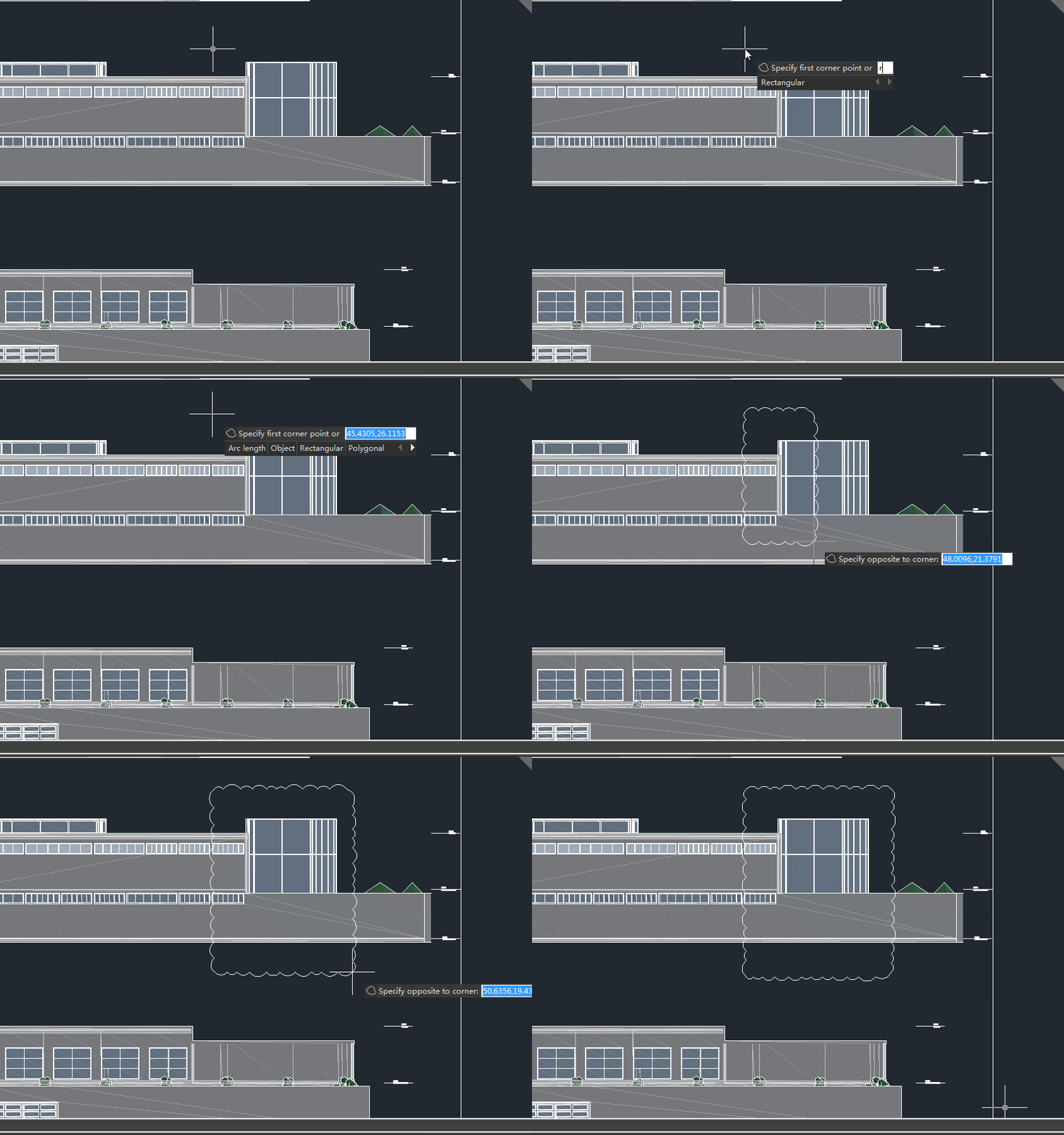
Polygonal
Polygonal option allows users to draw a revision cloud having polygonal shape by specifying the start point and vertices of the revision cloud.

Modify
With Modify option, users can redefine an existing revision cloud by specifying one or more new points. This new option enables users to replace specified portions of an existing revision cloud with a new portion defined by newly entered points.
Freehand
Freehand option allows users to create a freehand revision cloud.
REVCLOUDGRIPS
The REVCLOUDGRIPS system variable controls the number of grips displayed on a revision cloud. When set to 0, also the default value, the system displays a grip for each arc segment on a revision cloud, when set to 1, the system displays limited number of grips on a revision cloud.

REVCLOUDAPPROXARCLEN
REVCLOUDAPPROXARCLEN controls the approximate chord length for the arcs in a revision cloud

REVCLOUDARCVARIANCE
With REVCLOUDARCVARIANCE system variable, users can control whether the arcs in each revcloud are created with varying or uniform chord lengths.

When set to 1, also the default value, arcs are created with varying chord lengths, making the revision cloud look more hand-drawn.
When set to 0, arcs are created with generally uniform chord lengths.
Check the video tutorial for more info!
https://www.gstarcad.net/support/revcloud-in-gstarcad-2023?id=648








