
How to change Scroll zoom speed in CAD?
Do you want to change the rate at which you zoom in or out? Maybe it’s too slow or too fast now?

Small tips about Status bar
How to restore the missing status bar at the bottom of the screen

What to do with duplicate or overlapping objects in a drawing? Try Overkill command
Sometimes there would be completely duplicate or overlapping objects such as lines, arcs, polylines, etc.
This not only increases the data the CAD system has to deal with, but also negatively impact the creating and editing of an object, so you’d better get rid of the duplicate or overlapping objects with Overkill command. Overkill command also combines those that are partially overlapping or contiguous.

Troubleshooting: Why I can’t Drag & Drop to open my drawings
One of the easiest ways to open your drawing is by dragging your file to your CAD title bar.

How to merge several layouts into one with GstarCAD 2023
The Layoutmerge command in GstarCAD 2023 merges specific layouts into a single layout.

Troubleshooting: Why I can’t find text using Find & Replace?
When we want to batch find & replace text, we can use Find & Replace function, but sometimes we can see the text, but just can’t find it using Find command, how is that?
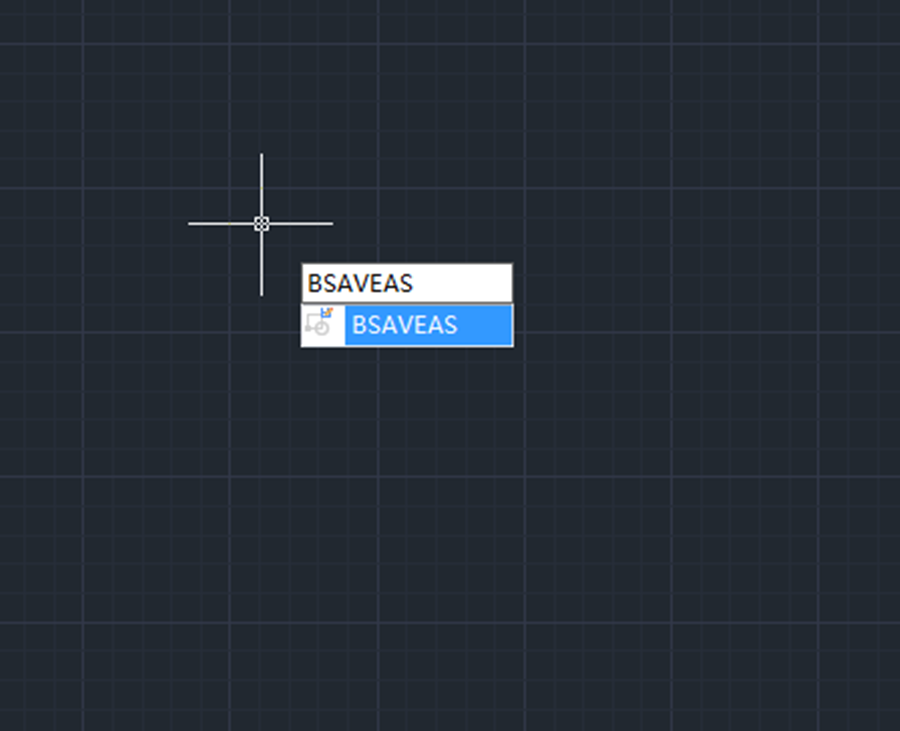
How to save a block as a new block in CAD?
How to save a block as a new block in CAD? Double-click the block to enter Block Editor

Small Tip: WYSIWYG (What you see is what you get)
Have you encounter the issue that you’ve successfully enter text using Mtext, but when you click OK, you can’t see the text just disappears, you can’t find it anywhere.
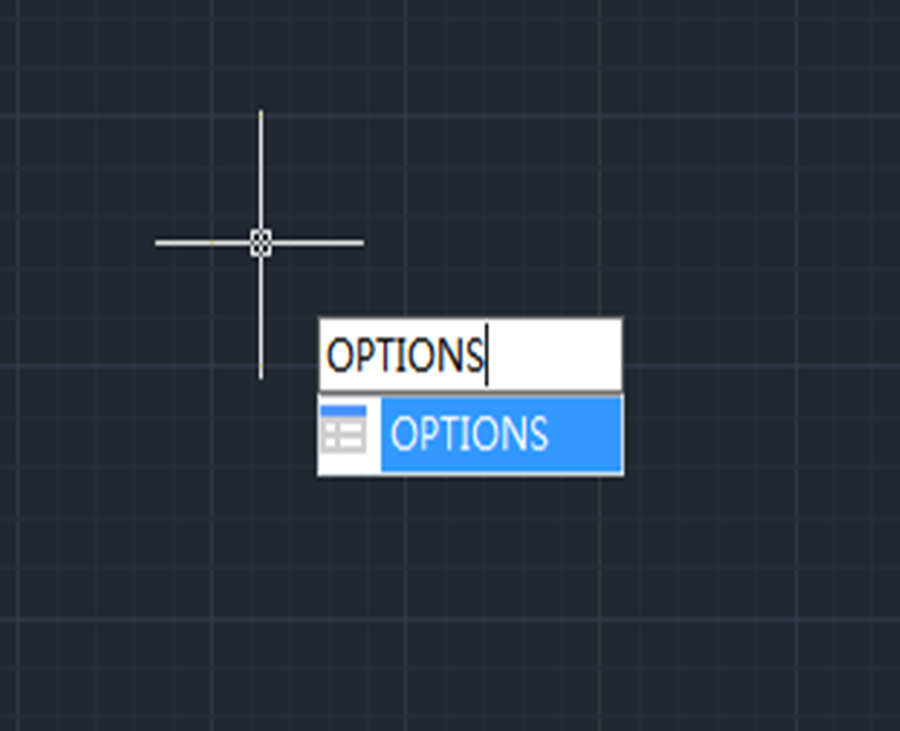
Troubleshooting: Why selected objects shows no grips
There are mainly two reasons for the problem: the selected objects have too many grips, or the grip display is turned off.

Troubleshooting: Why I can’t get 90 degrees rotation?
Have you ever come across the issue: When you’re doing the Rotate command and have specified the base point and 90 degrees, but it is not actually 90 degrees to the point you’ve chosen?








)

