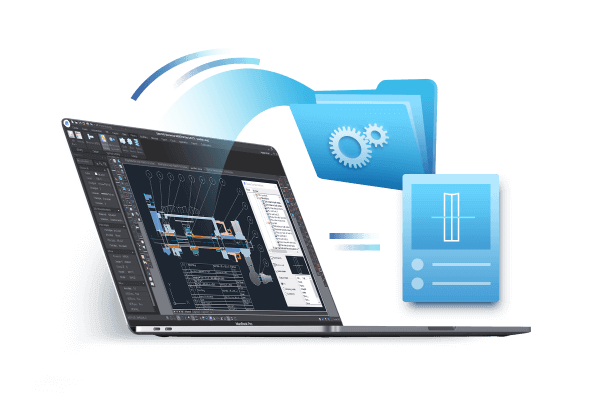
What are CAD files and CAD file formats?
CAD file and CAD file format are very basic yet important concepts when working with CAD software. CAD (Computer-aided design) files are digital files used to store 2D or 3D CAD design data.
Best CAD and CAD tools free download (Windows 7/10)
Tips and tricks for downloading CAD tools, CAD software, and applications.

What is CAD and CAD software? (Computer-Aided Design)
This article includes several concepts around CAD and will help you understand some basic knowledge about CAD and CAD drawing.
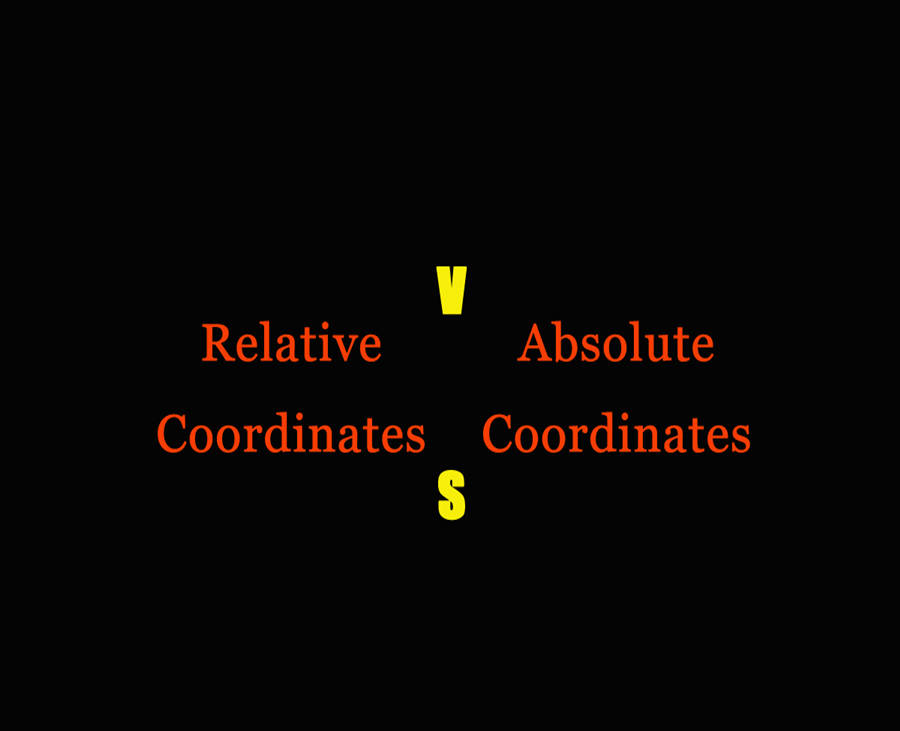
Relative coordinates VS. Absolute coordinates
When we use Relative Coordinates, we type the X and Y coordinates relative to the last point, it’s always about the last point.
When we use Absolute Coordinates, we type X and Y coordinates on the current coordinate system to locate the point relative to the origin. It’s always about the origin, the absolute (0,0).
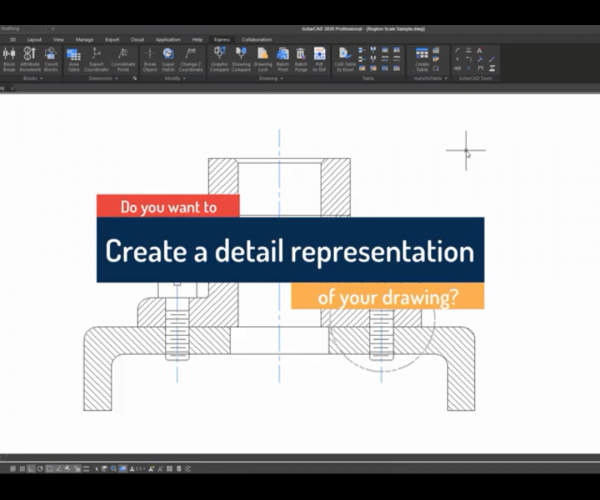
How to use GstarCAD Express Tool: Region Scale
With Region Scale, we can select a region in a drawing so we can copy it and place it to a new position.
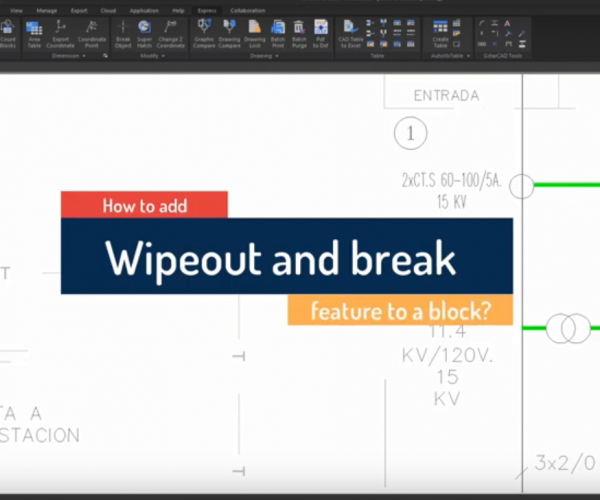
Introduction to GstarCAD Express Tool: Block Break
Working with block references are essential in some industry such electrical schematics, piping, etc.
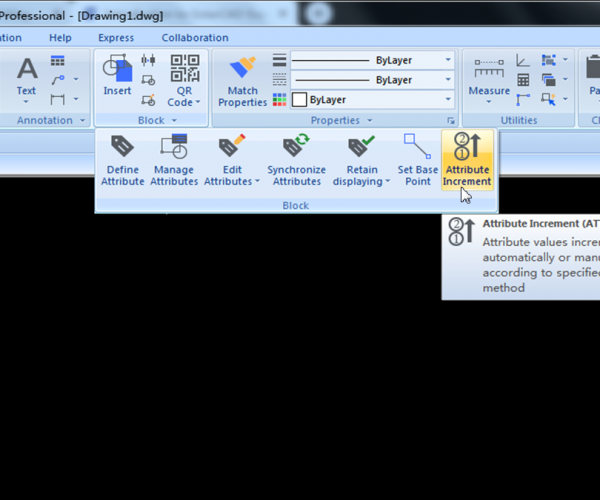
Introduction to GstarCAD Express Tool: ATTRIBUTE INCREMENT
The ATTRIBUTE INCREMENT command (keyboard shortcut: ATTINC) helps to specify block attributes with incremental value, or modify the value of block attributes according to the sort method.
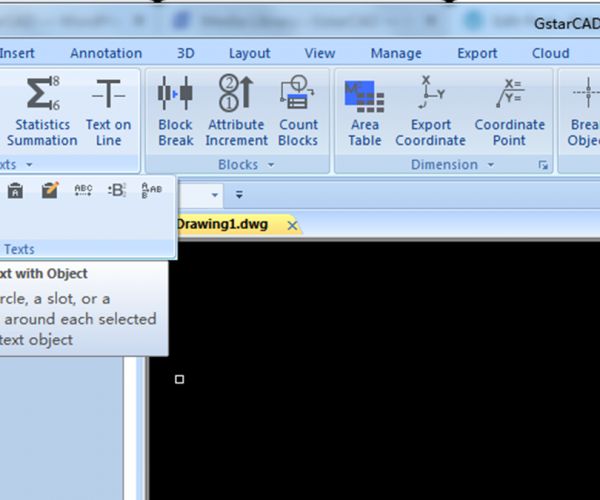
How to insert circled numbers in CAD?
Follow these steps to add circled numbers to GstarCAD text.
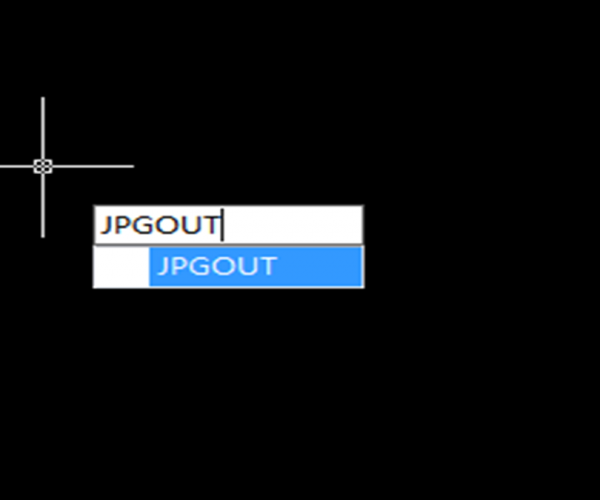
How to take a screen capture in GstarCAD?
There are many software programs that we can use to take a screen capture in GstarCAD, free or paid, or we can also use the built-in screen capturing tool in Windows.







)
)


