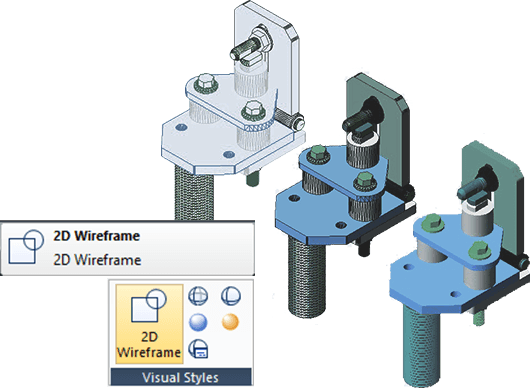
How to deal with 3D objects in GstarCAD
Handling 3D objects is essential in modern design. GstarCAD provides various tools to manage 3D models. This article will outline key methods for working with 3D objects in GstarCAD, helping users leverage its capabilities for more complex designs.

What are 2D CAD models and where to download them?
CAD (Computer-Aided Design) software allows engineers and designers in different industries to create 2D/3D CAD models that can be used to produce real-world objects.

A closer look at the REGION command
We can’t directly draw a region, we can only get a region by selecting an object and make it an region, which is similar to Hatch.







