
3 reasons to like dynamic input
As you know, dynamic input provides a command interface near the cursor to help you keep your focus in the drafting area.

How to rotate multiple texts at once to readable orientation
If you have many texts, mtexts or block attributes in your drawing.
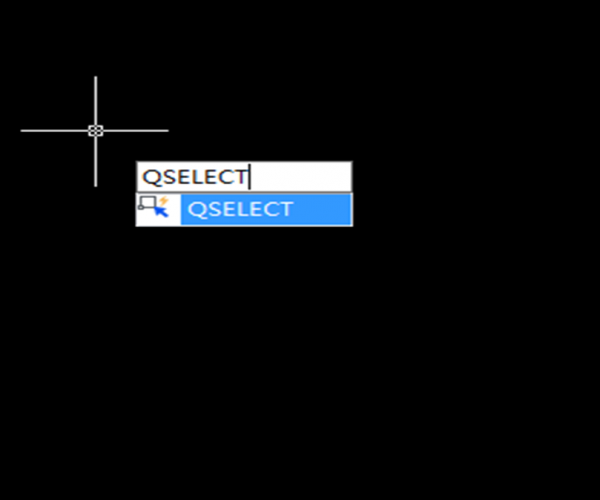
How to select all horizontal or vertical lines in a drawing
If you need to select all horizontal or vertical lines within a drawing, this could be a tedious work.
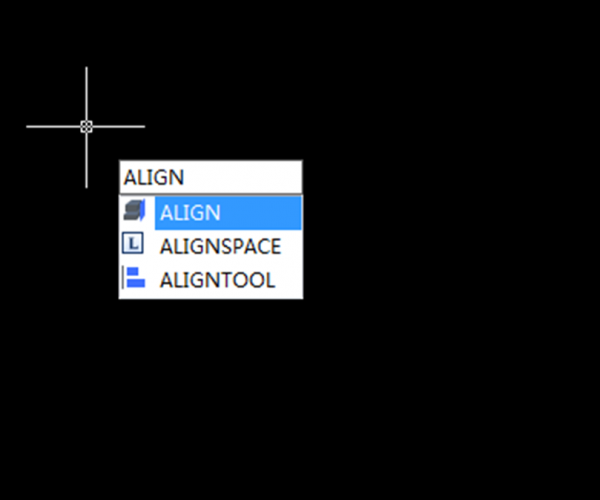
How do I move, rotate, and scale an object at once
ALIGN command is often overlooked by many CAD users. Instead of using move, rotate, and scale commands separately, you can do it at once using this tool.
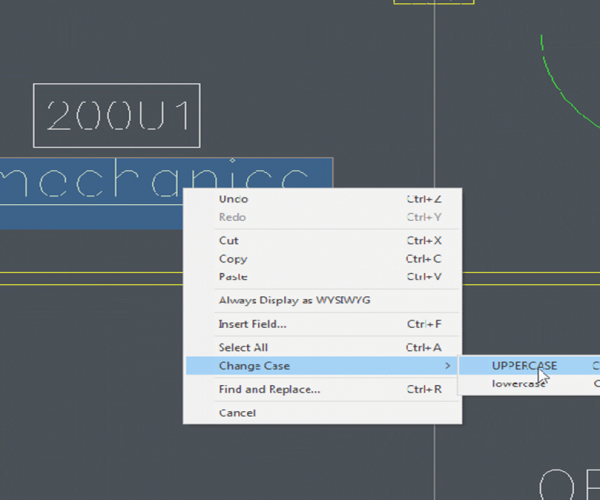
How do I change Mtext to lower or upper case
You might make a mistake and want to change the text case… either to lower case or upper case.

Why my middle mouse wheel zoom is too fast or too slow?
While using the middle mouse wheel to zoom in and zoom out in a drawing, Have you ever felt the middle mouse wheel zoom is too fast or too slow?

Tips for using CAD software
CAD has been widely used in architecture, electronic, mechanical and other related industries.
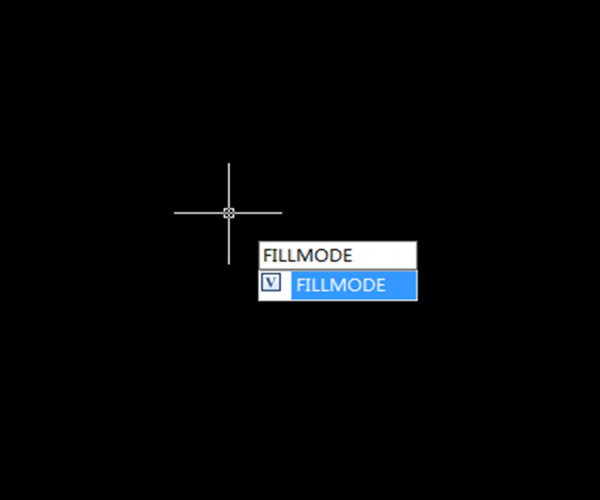
Options to simplify drawing appearances
Speeding up the whole system and optimizing GstarCAD are the better ways to make it work lighter and faster.
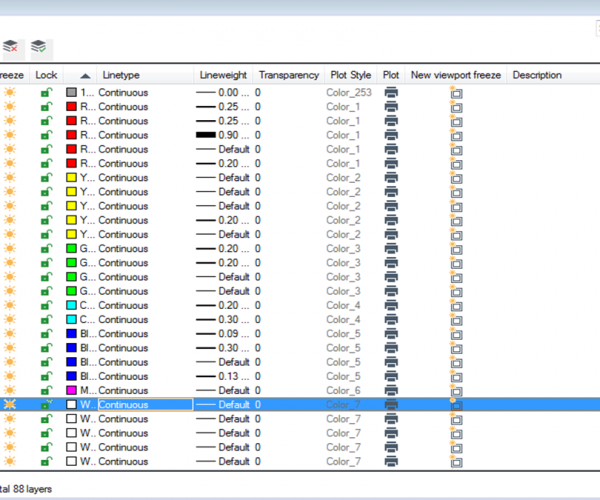
Understanding Layer 0, ByLayer and ByBlock
Every time you create a new drawing, you will see a default layer: Layer0. You can’t delete it.
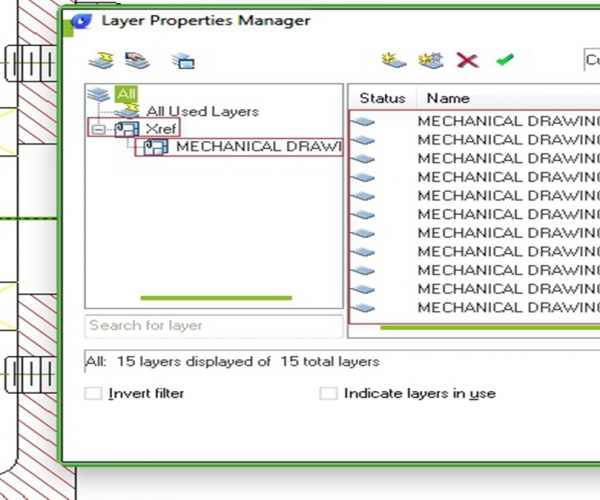
How to change referenced file layer properties in master file
When you work with engineers and architects, they might use your structure drawings as a reference in their drawings.








