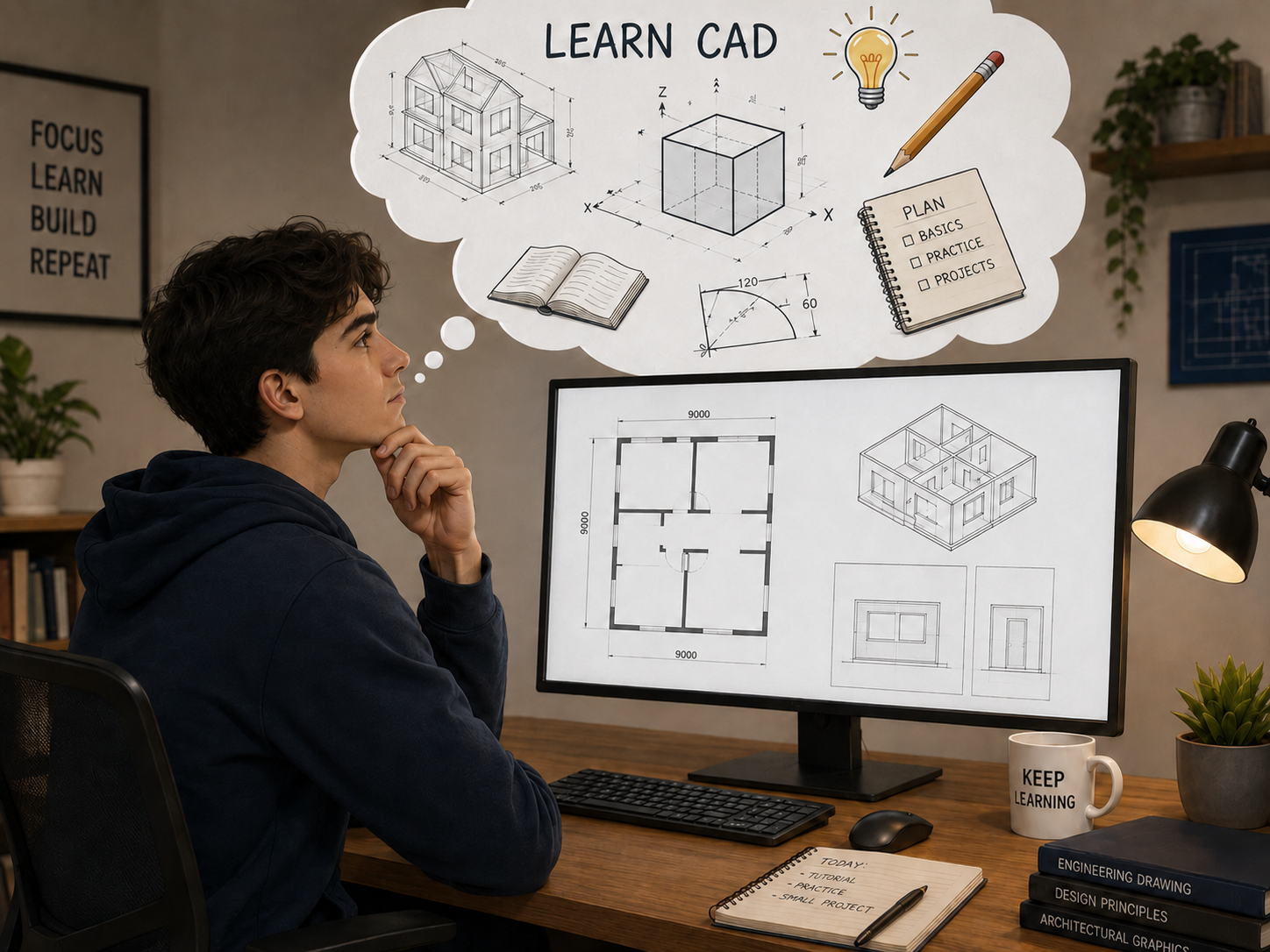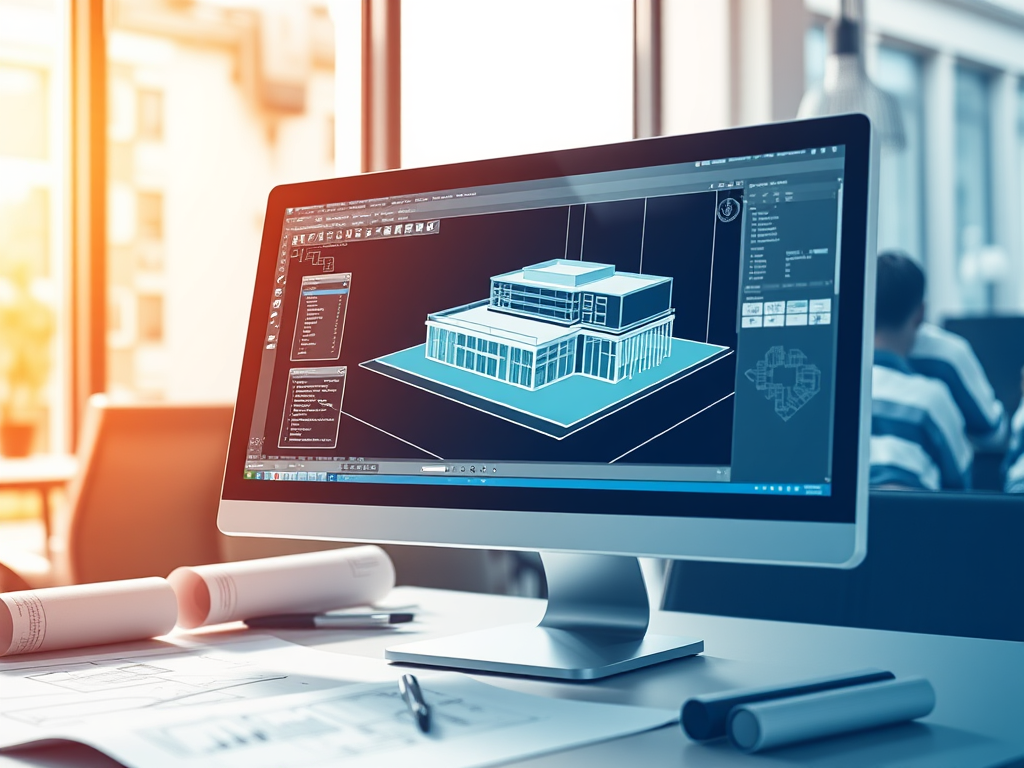
In today’s design-driven world, Computer-Aided Design (CAD) isn’t just a tool—it’s the backbone of turning abstract ideas into tangible, functional, and precise results.
From the blueprints of a skyscraper to the schematics of a smartphone component, CAD software has redefined how architects, engineers, and drafters work. For over two decades, GstarCAD has carved a unique niche in this space: delivering powerful yet accessible CAD solutions that balance industry-leading performance with affordability, making professional-grade design tools available to teams of all sizes—from independent designers to global enterprises.

1. What Exactly Is CAD, and Why Does It Matter?
At its core, Computer-Aided Design (CAD) is digital software that replaces traditional manual drafting (think paper, rulers, and hand-drawn lines) with tools to create, edit, analyze, and share 2D technical drawings or 3D models. But CAD is more than just “digital drafting”—it’s a workflow enhancer that eliminates errors, speeds up iterations, and enables collaboration that was once impossible with pen and paper.
A Quick Look at CAD’s Evolution (And GstarCAD’s Place in It)
CAD emerged in the 1960s as a niche tool for large corporations (like IBM and GM) with the budget for mainframe computers. By the 1980s–1990s, it shifted to desktop PCs, but early CAD software remained expensive and complex—out of reach for small businesses.
GstarCAD changed that. Launched with a focus on compatibility and accessibility, we built software that works seamlessly with industry-standard file formats (DWG, DXF) while offering a familiar interface that reduces training time. Today, GstarCAD has grown to include 2D drafting, 3D modeling, industry-specific toolsets, and cloud collaboration—all designed to solve the real pain points of modern design teams: tight deadlines, budget constraints, and the need to work across locations.
2. The Building Blocks of CAD: 2D, 3D, and Specialized Tools
CAD isn’t a “one-size-fits-all” solution. The right tools depend on your industry, project type, and workflow. Below’s a breakdown of the key CAD categories—and how GstarCAD supports each.
2D CAD: The Foundation of Technical Documentation
2D CAD remains essential for industries that rely on precise, flat drawings to communicate specs—think permits, manufacturing guidelines, or electrical layouts. It’s the “language” of design, ensuring everyone from engineers to contractors understands exactly what needs to be built.
GstarCAD’s 2D solutions are designed for speed and accuracy, with features that eliminate common drafting headaches:
- Snap & Dimension Tools: Align lines to endpoints, midpoints, or grid lines automatically; add dimensions that update in real time if you edit the drawing.
- DWG Compatibility: Open, edit, and save files in DWG format—no more “file conversion errors” when collaborating with teams using other CAD tools.
- Template Libraries: Start projects fast with pre-built templates aligned to industry standards (ISO, ANSI, GB)—ensuring compliance from day one.
- Symbol Libraries: Access 10,000+ pre-drawn symbols (e.g., electrical components, architectural doors) to cut down on repetitive work.

Who uses 2D CAD?
- Architects drafting permit-ready floor plans.
- Electrical engineers creating wiring diagrams for control panels.
- Manufacturers producing CNC-ready part schematics.

3D CAD: Bring Designs to Life (Literally)
3D CAD takes design beyond flat lines, letting you build volumetric models that mimic how a product or structure will look, feel, and function in the real world. It’s a game-changer for iterating on ideas and impressing stakeholders—since you can “see” a design before it’s built.
GstarCAD’s 3D solutions offer flexible modeling techniques to suit different needs, plus visualization tools that make presentations impactful:
Key 3D Modeling Techniques
| Technique | How It Works | Ideal For |
| Parametric Modeling | Define “rules” (e.g., “this part must be 12cm long and attach to that component”)—edit one element, and the entire model updates automatically. | Mechanical engineering, product design (needs consistency) |
| Direct Modeling | Make quick, flexible edits to geometry without relying on prior rules—great for tweaking existing models or testing concepts. | Conceptual design, modifying third-party files |
| Solid Modeling | Create 3D models with defined volume (e.g., a building column, a bolt) to calculate mass, weight, or structural strength. | Structural engineering, manufacturing |
| Surface Modeling | Design smooth, complex curves (e.g., a car body, a smartphone case) for aesthetic or functional needs. | Industrial design, consumer products |

3. Why Design Teams Choose GstarCAD: 5 Game-Changing Benefits
CAD software should make your life easier, not more complicated. GstarCAD’s features are built around what matters most to professionals:
1. Save Time (and Reduce Frustration)
- Automation handles repetitive tasks
- Lightweight file formats load 30% faster than competitors—no waiting for large drawings to open.
- Cross-platform access: Edit drawings on desktop (Windows/macOS), web, or mobile (iOS/Android)—perfect for on-site work.
2. Eliminate Costly Errors
- Precision tools reduce manual drafting mistakes (e.g., misaligned dimensions).
- Simulation features let you test designs before building prototypes: check if a part can handle stress, or if a building’s HVAC system works efficiently.
- Version control tracks changes, so you never lose work or use outdated drawings.
3. Collaborate Seamlessly (Anywhere)
- GstarCAD Cloud lets teams share files, co-edit in real time, and add comments directly to drawings—no more emailing PDFs back and forth.
- Integrate with third-party tools (e.g., BIM software) to fit your existing workflow.
4. Stay Within Budget
- Flexible licensing: Choose perpetual licenses (one-time purchase) or subscriptions (pay-as-you-go)—no forced upgrades.
- No hidden costs: All core features (2D/3D, rendering, automation) come included; specialized toolsets are optional add-ons.
5. Grow With Your Team
- GstarCAD scales from solo designers to enterprise teams: Add users, toolsets, or cloud storage as you expand.
- Free training resources (tutorials, webinars, user forums) help new team members get up to speed fast.
4. Where GstarCAD Shines: Industry Use Cases
CAD isn’t one-size-fits-all—and GstarCAD’s flexibility makes it a top choice across sectors:
AEC (Architecture, Engineering, Construction)
- Architects use GstarCAD to draft floor plans, create 3D walk-throughs, and generate permit documents.
- Structural engineers rely on the Civil Toolset for load analysis and steel detailing.
- Contractors access mobile-friendly drawings on-site to avoid rework.
Manufacturing
- Mechanical engineers design components with parametric modeling, then export files directly to CNC machines.
- Quality teams compare finished products to GstarCAD models to ensure compliance.
Product Design
- Industrial designers use surface modeling to create sleek consumer goods (e.g., furniture, electronics).
- Electronics engineers design PCBs and simulate thermal performance to prevent overheating.
Other Industries
- Interior designers: Visualize material choices and furniture layouts.
- Jewelry designers: Create intricate 3D models for casting (precision down to 0.1mm).
- Apparel designers: Draft patterns and simulate garment fits.
5.Starting Your CAD Journey with GstarCAD
You don’t need years of experience to use GstarCAD—our tools are designed for beginners, with resources to help you learn fast:
Step 1: Pick the Right Product
| User Type | Recommended GstarCAD Product | Why It Works |
| Beginners/Students | GstarCAD Standard | 100% native DWG/DXF support from R12 to latestAlternative to AutoCAD LTFamiliar user interface and commands. |
| Professional Drafters | GstarCAD Professional | Powerful, time-saving practical toolsAdvanced Block editorFamiliar interface and operational habits |
| Industry Specialists | GstarCAD Plus | Alternative to AutoCAD GstarCAD Pro + Parametric Constraints |
Step 2: Learn for Free
- GstarCAD Library: Video tutorials, step-by-step user guides, and sample projects (no sign-up required) available on the official site.
- Webinars: In the future, webinars will be held in Discord community.
- User Forum: Connect with 500,000+ GstarCAD users worldwide to share ideas and solve problems.
7. Building a Career in CAD: Opportunities with GstarCAD
CAD skills are in high demand—and knowing GstarCAD can open doors to rewarding jobs. Here’s what you need to know:
In-Demand CAD Roles
- CAD Drafter: Create 2D/3D drawings for AEC, manufacturing, or electronics.
- CAD Engineer: Combine CAD with engineering analysis (e.g., stress testing) to optimize designs.
- BIM Coordinator: Manage building information models (BIM) in construction—critical for large projects.
- Specialized Roles: MEP designer, electrical CAD specialist, or 3D printing technician.
Skills Employers Want
- Technical: Proficiency in GstarCAD (or similar tools), knowledge of industry standards (e.g., ISO).
- Soft Skills: Attention to detail, communication (to work with non-technical stakeholders), and problem-solving.
- Bonus: Experience with 3D modeling, simulation, or cloud collaboration.

Final Thoughts: GstarCAD—Your Partner in Design
CAD is more than software—it’s a way to bring ideas to life, solve problems, and shape the world. GstarCAD’s mission is simple: to give every design professional the tools they need to succeed, without the high cost or complexity of other platforms.
Whether you’re drafting your first drawing or leading a global design team, GstarCAD grows with you. Ready to see what you can create? Download a free 30-day trial of GstarCAD today—and join a community of 1 million+ designers using CAD to make an impact.

About Gstarsoft
Gstarsoft Co., Ltd., established in 2001, is a leading provider of R&D-focused industrial software in China. With a mission to be “customer-centric – making design more efficient, collaboration smoother, and value sustainable,” the company is committed to becoming a world-class, product-innovation-driven industrial software provider, delivering a full spectrum of solutions including 2D CAD, 3D CAD, BIM, and cloud-based CAD.
Discover more from Gstarsoft's Blog
Subscribe to get the latest posts sent to your email.