
How to optimize CAD file performance: Reducing lag and improving speed
CAD software has revolutionized the way engineers, architects, and designers create and modify designs. However, as projects grow in complexity, users often experience lag and slow performance.

How to efficiently manage layers in CAD: Practical tips to boost design productivity
In CAD design, layer management is crucial for ensuring clarity and organization in projects. However, many users often face issues such as layer clutter, inconsistent naming, and improper attribute settings, which can significantly reduce design efficiency.
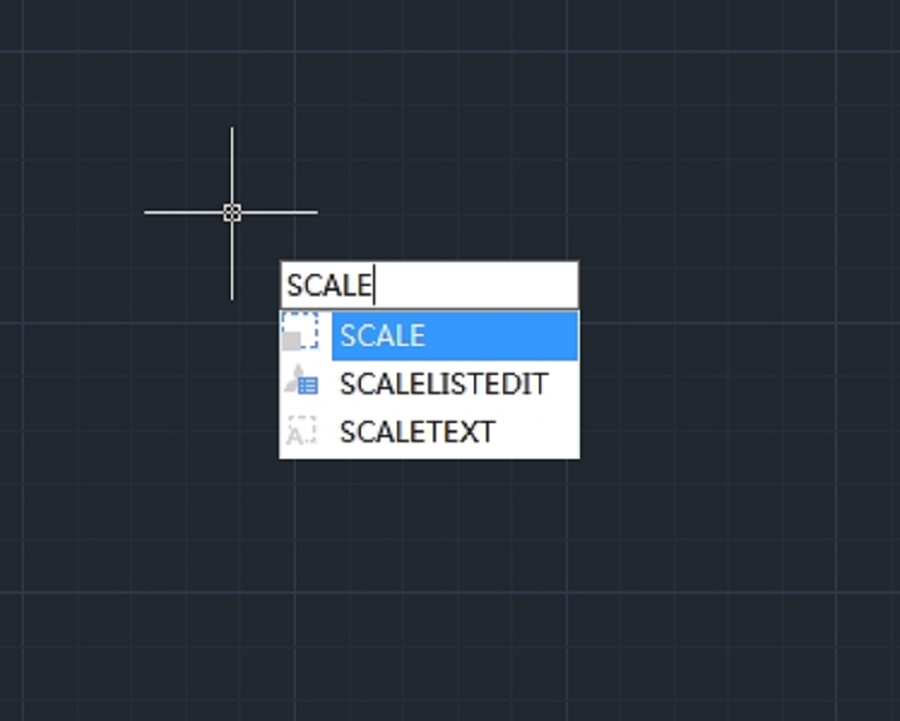
How to resize or rescale a CAD drawing?
Resizing or rescaling a drawing is a fundamental yet essential feature in CAD design.
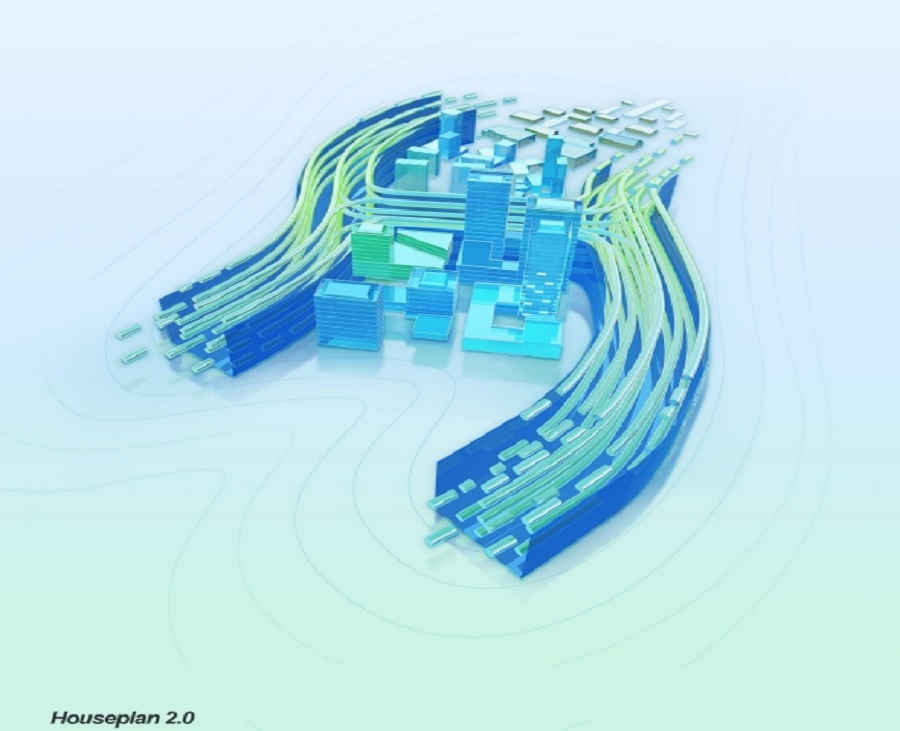
Houseplan 2.0: The Ultimate 3D Design and Visualization Tool
Gstarsoft is excited to announce the launch of Houseplan 2.0, an innovative software designed to revolutionize the world of 3D design and real-time rendering.
Houseplan 2.0 has been released
We are thrilled to announce that Houseplan 2.0 has been released with new features and enhancements.
Top Questions about GstarCAD Point Cloud
GstarCAD combines the powerful Undet Point Cloud plug-in tools with the simplicity of GstarCAD to offer an intuitive workflow to quickly and easily create 2D drawings based on precise as-built point clouds.
GstarCAD Point Cloud 2025 is available now
We’re thrilled to announce that GstarCAD Point Cloud 2025 is available!
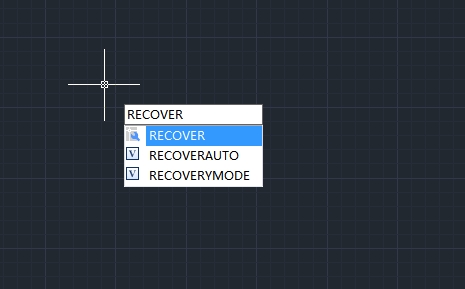
How to recover a damaged file
User can recover some or all of data by reverting to backup file or using commands to find and correct errors if a drawing file is damaged.
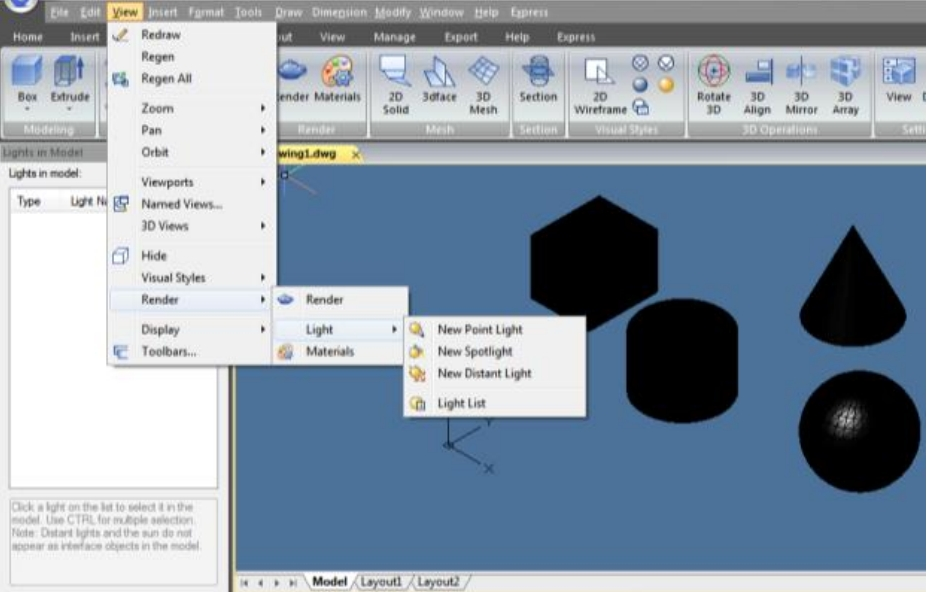
How to do simple rendering in CAD
This article covers simple rendering techniques in GstarCAD. You’ll learn how to enhance your designs visually, whether you’re a beginner or an experienced user.
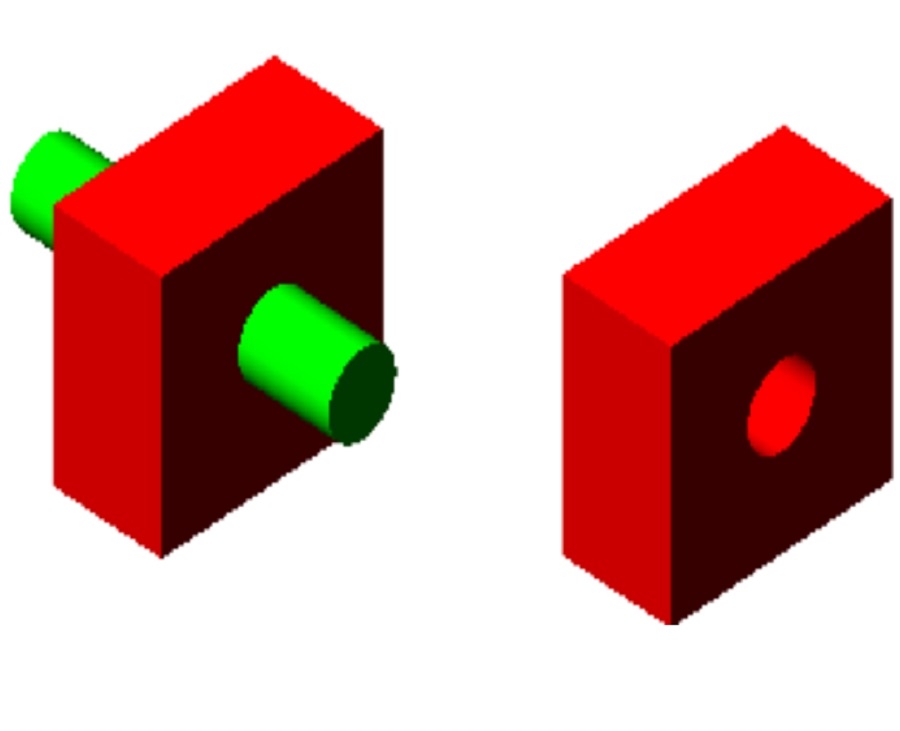
How to create composite solids in CAD
Creating composite solids in CAD is essential for building complex models. By merging simple shapes, designers can craft more functional 3D objects in GstarCAD.








