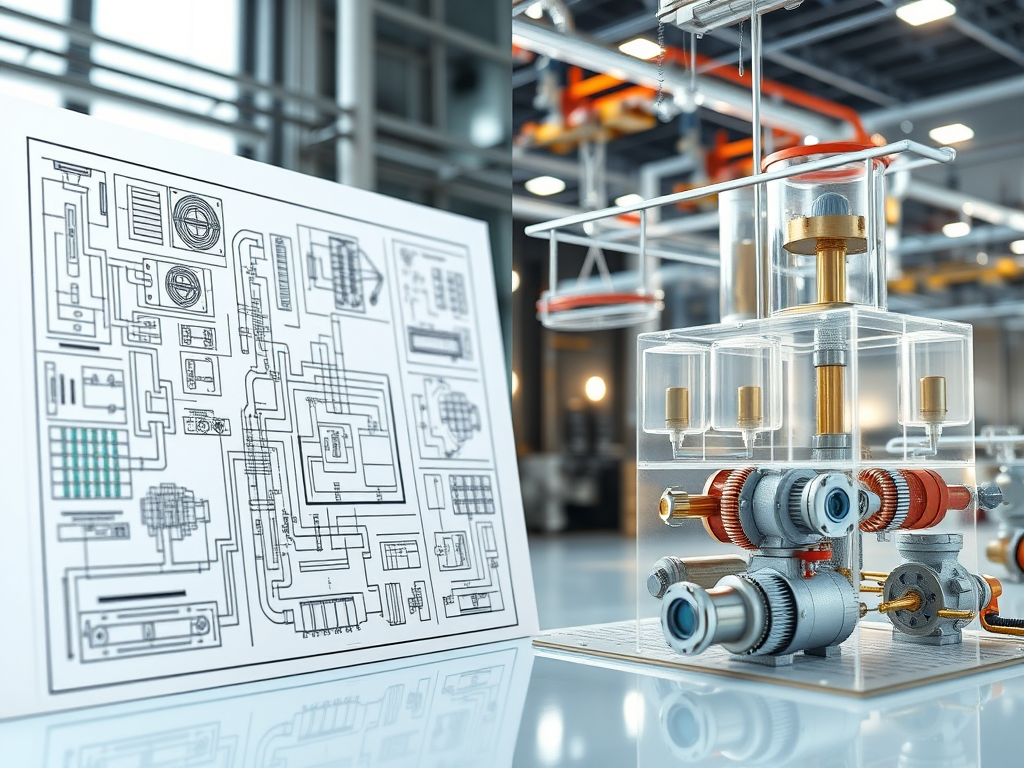
In mechanical engineering, the choice between 2D and 3D CAD affects every stage of your workflow—from initial sketches to final production. Both tools have unique strengths, and knowing when to use each can save time, reduce errors, and improve collaboration.
Rethinking 2D CAD in Today’s Mechanical Engineering Projects
Modern 2D CAD software is not just for traditional drafting—it’s an essential tool in mechanical engineering CAD workflows. Engineers use 2D CAD for:
- Rapid schematic iteration of piping layouts, HVAC systems, and electrical diagrams.
- Overlaying scanned plans from existing sites.
- Clear manufacturing instructions for CNC machines and production teams.
Advantages of modern 2D CAD:
- Fast drafting for initial layouts.
- Easy to learn, with minimal training required.
- Lightweight and runs efficiently on most computers.
- Universal format for sharing with contractors and manufacturers.
Industries where 2D CAD is still indispensable include HVAC, piping, electrical systems, and manufacturing.

Beyond Visualization: What 3D CAD Brings to Mechanical Engineers
While 2D CAD excels in simplicity, 3D CAD software allows engineers to go beyond flat drawings and interact with designs in a fully three-dimensional space. With 3D modeling, engineers can visualize every angle of a component or assembly, perform stress and thermal simulations, test motion paths, and even create models compatible with digital twin technology. Rotate and inspect components in 3D CAD models.
Advantages of 3D CAD:
- Run stress, thermal, and motion simulations.
- Integrate with digital twins and multi-disciplinary systems.
- Prepare 3D files for rapid prototyping and presentations.

Combining 2D and 3D CAD in Modern Workflows
The most effective engineers do not view 2D and 3D CAD as mutually exclusive; instead, they adopt hybrid workflows that leverage the strengths of both tools
- Initial layout: 2D CAD for system schematics or building floor plans.
- Detailed modeling: 3D CAD for checking fit, movement, and collision detection.
- Final documentation: Generate precise 2D drawings from 3D models for fabrication.
Why GstarCAD is a trusted CAD tool for engineers
GstarCAD is designed to solve modern engineering challenges with unique strengths:
- Lightweight Performance: Runs smoothly on mid-range computers, ideal for engineers working on-site or remotely.
- Seamless Collaboration: Built-in Smart Voice and cloud sharing features let teams annotate and review designs in real-time.
- Full Customization: Supports GRX, .NET, VBA, and LISP for tailored workflows and automated tasks.
- DWG/DXF Compatibility: Share drawings effortlessly without compatibility errors.
- Cost-Effective Licensing: One-time perpetual license avoids recurring subscription fees.
These strengths transform GstarCAD from just another CAD program into a flexible engineering platform that grows with your projects.

Frequently Asked Questions (FAQ)
❓ What is the difference between 2D CAD and 3D CAD?
2D CAD is used for flat technical drawings like schematics and layouts, while 3D CAD creates interactive models for visualization, simulation, and prototyping.
❓ Is 2D CAD still used in engineering?
Yes. 2D CAD remains critical for fast drafting in HVAC, piping, electrical, and manufacturing projects where clarity and speed matter most.
❓ Why choose GstarCAD over AutoCAD?
GstarCAD is one of the best AutoCAD alternatives because it offers full DWG compatibility, high performance, and perpetual licensing—at a lower cost.
❓ Can GstarCAD handle both 2D and 3D design?
Absolutely. GstarCAD includes advanced tools for both precise 2D drafting and 3D solid modeling, making it ideal for hybrid workflows.
❓ Does GstarCAD offer a free trial?
Yes. Engineers can download the GstarCAD free trial to test its features, performance, and compatibility before purchase.
About Gstarsoft
Gstarsoft Co., Ltd., established in 2001, is a leading provider of R&D-focused industrial software in China. With a mission to be “customer-centric – making design more efficient, collaboration smoother, and value sustainable,” the company is committed to becoming a world-class, product-innovation-driven industrial software provider, delivering a full spectrum of solutions including 2D CAD, 3D CAD, BIM, and cloud-based CAD.






