What is Lisp – Unlocking the power of Lisp in GstarCAD
Discover how Lisp, a powerful scripting language, unlocks automation and customization in GstarCAD for enhanced productivity and flexibility.

How to run your CAD in full screen?
The Clean Screen feature in CAD software is designed to enhance the user experience by providing a clutter-free workspace.
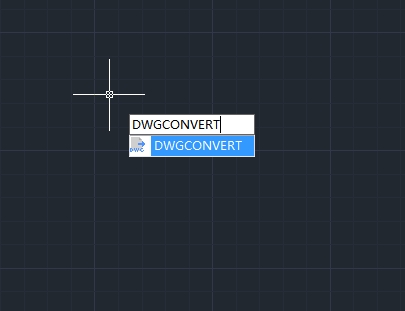
How to convert drawing files to another DWG version?
In the world of CAD (Computer-Aided Design), compatibility between different software versions is crucial for seamless collaboration and workflow efficiency.

How to efficiently manage layers in CAD: Practical tips to boost design productivity
In CAD design, layer management is crucial for ensuring clarity and organization in projects. However, many users often face issues such as layer clutter, inconsistent naming, and improper attribute settings, which can significantly reduce design efficiency.
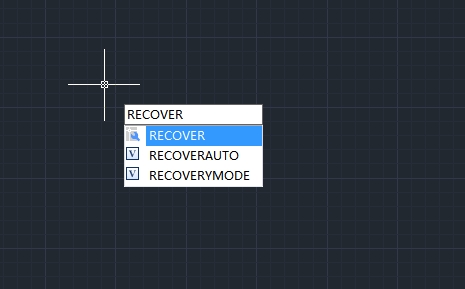
How to recover a damaged file
User can recover some or all of data by reverting to backup file or using commands to find and correct errors if a drawing file is damaged.
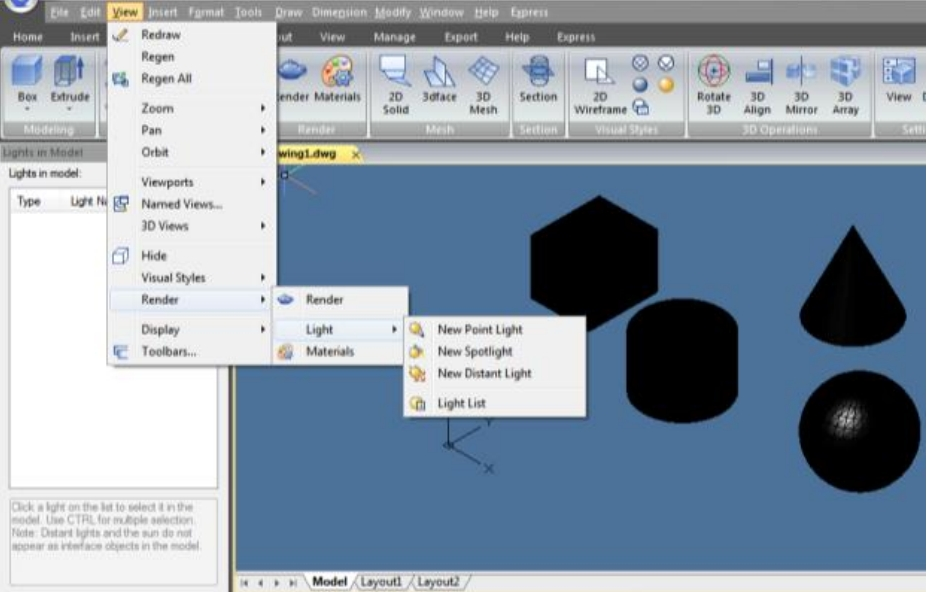
How to do simple rendering in CAD
This article covers simple rendering techniques in GstarCAD. You’ll learn how to enhance your designs visually, whether you’re a beginner or an experienced user.
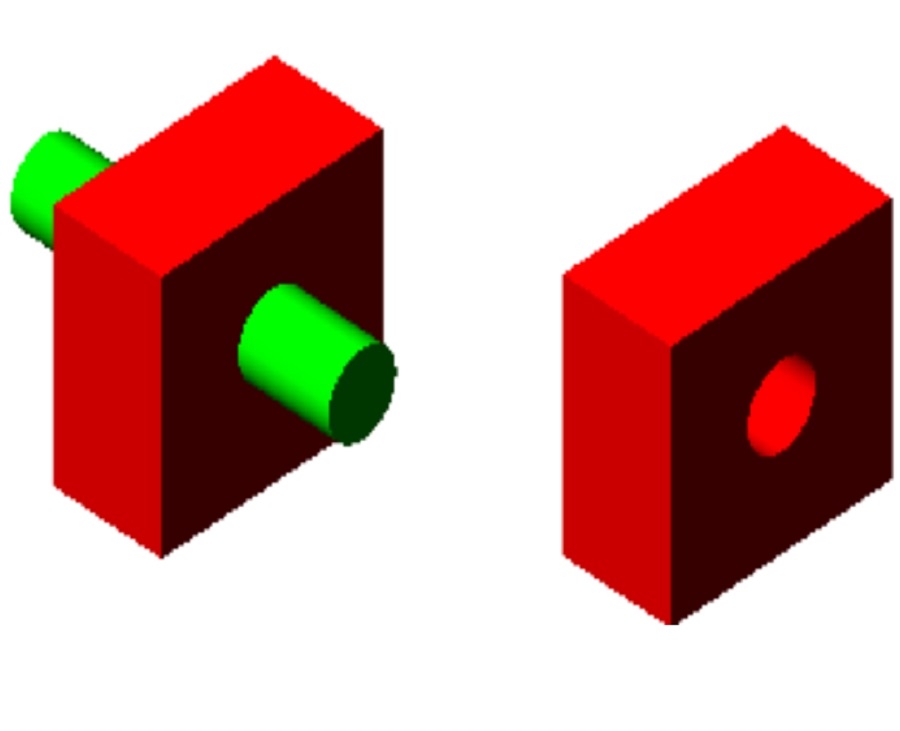
How to create composite solids in CAD
Creating composite solids in CAD is essential for building complex models. By merging simple shapes, designers can craft more functional 3D objects in GstarCAD.

How to set up your CAD drawing environments
Learn how to customize your CAD drawing environments to fit your needs or project requirements for maximum working efficiency.

How to convert a mesh to a solid or surface in GstarCAD
How to convert a mesh to a solid or surface in GstarCAD
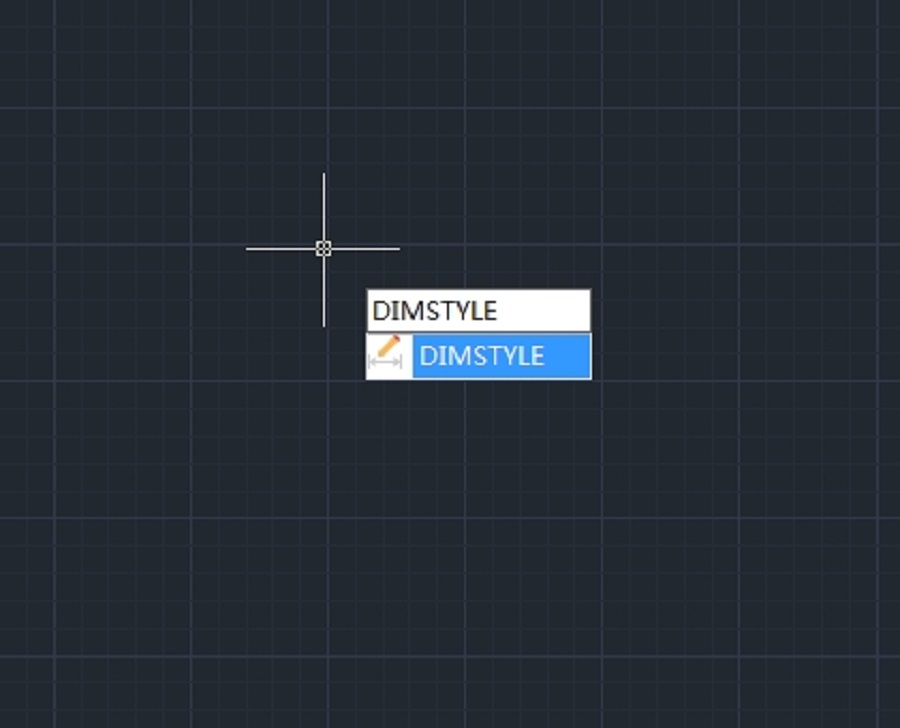
How to change the text height of a dimension in CAD
How to change the text height of a dimension in CAD