How to password protect your drawings with GstarCAD 2023
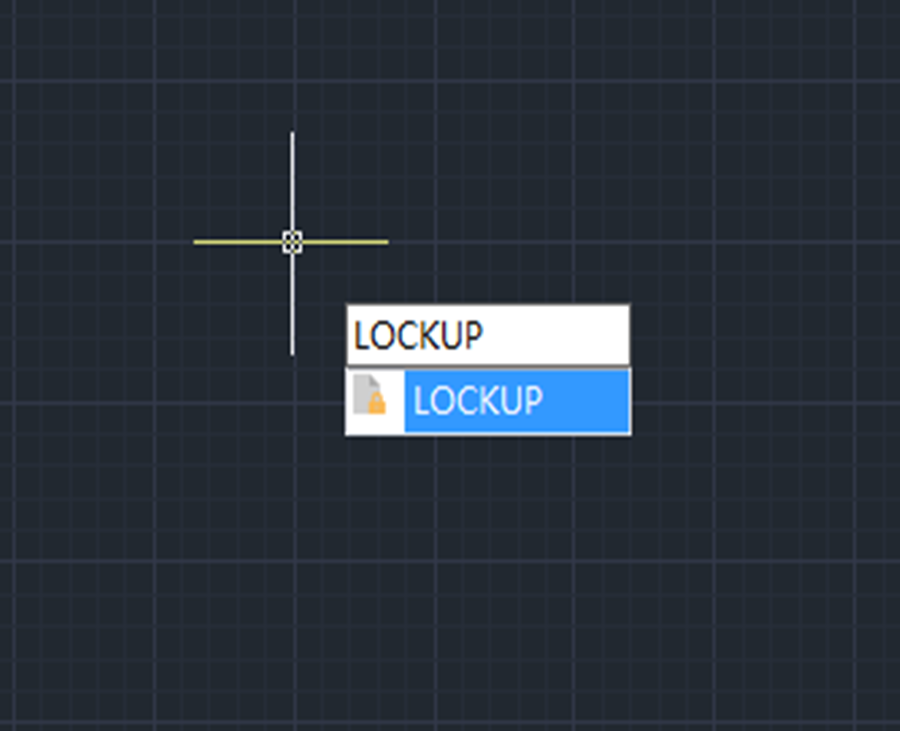
LOCKUP command is introduced to lock selected objects in a drawing with a password, preventing accidental modification or deletion. That’s to say, users won’t be able to modify objects that have been locked.

Troubleshooting:Toolbar/Window Positions Locked
Sometime we’ll find the Toolbar, Window or Properties Panel unable to drag.

How to use GstarCAD Express Tool: Drawing Lock
Drawing Lock is a useful tool that makes your drawing safer by turning a drawing into a whole block. People can’t explode it or modify the objects of the original drawing, thus we can prevent others from modifying the drawing.

Basics about CAD layers
CAD users can put different geometric objects on different layers and control the color, linetype, lineweight and other properties by customizing the layer properties. The properties of some CAD objects are set bylayer by default and putting those objects on the specific layers will save you time and there is no need to customize them respectively.