Here’s a brief overview of mesh, solid, and surface in 3D modeling:
Mesh
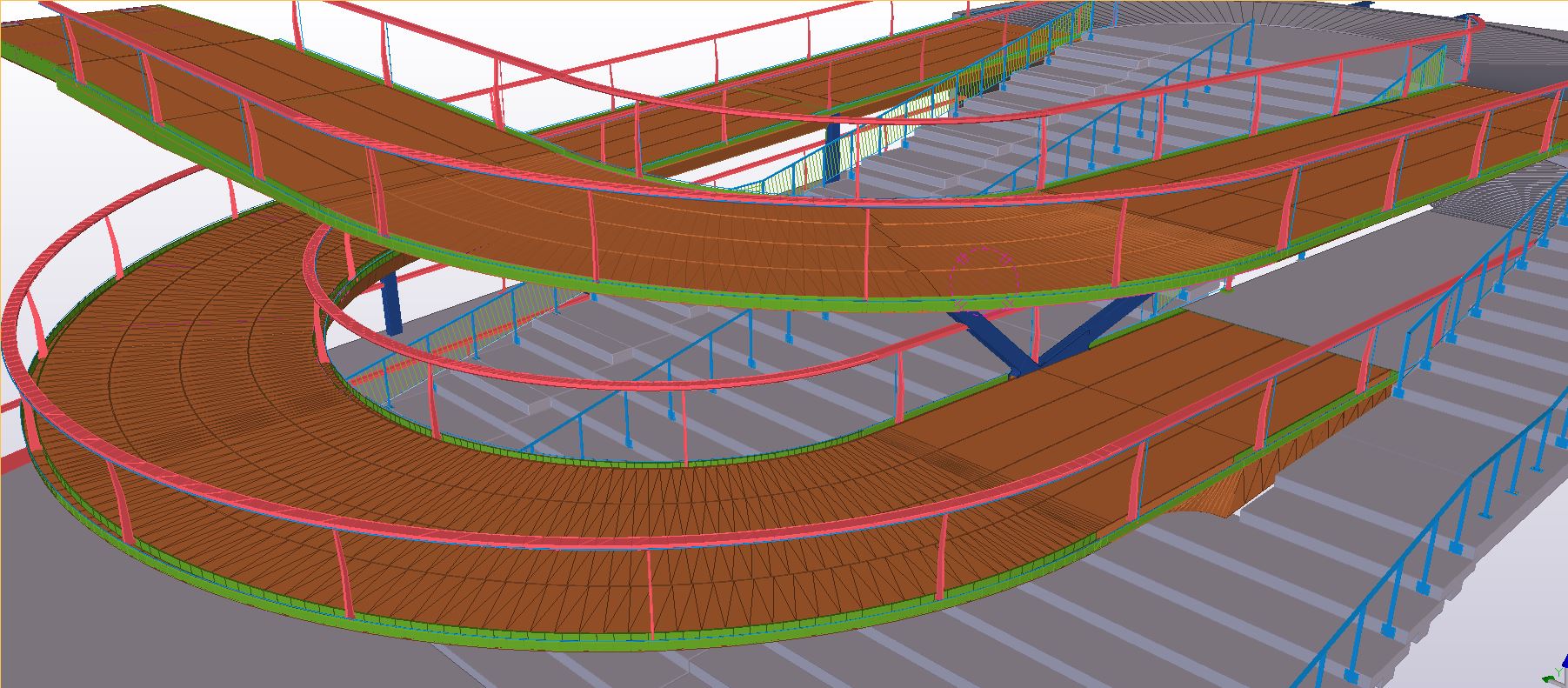
Definition: A mesh is a collection of vertices, edges, and faces that defines the shape of a 3D object in space. It is often represented as a network of polygons (usually triangles or quadrilaterals).
Characteristics:
Composed of many small flat surfaces (polygons).
Can represent complex shapes but lacks volume.
Commonly used in computer graphics, 3D modeling, and animation.

Solid
Definition: A solid is a 3D object that has volume and is defined by its boundaries. Solids can be represented mathematically and can be manipulated as a single entity.
Characteristics:
Has mass and occupies space.
Defined by its geometric properties (like edges, faces, and vertices).
Used in engineering and manufacturing for simulations and physical modeling.

Surface
Definition: A surface is a two-dimensional representation of an object in 3D space. It can be defined mathematically and can represent part of the boundary of a solid.
Characteristics:
Lacks thickness and volume (similar to a mesh).
Useful for defining complex shapes with smooth curves.
Often used in CAD applications for modeling and design.

Summary
Mesh: A network of polygons without volume.
Solid: A volumetric object with defined boundaries.
Surface: A 2D representation of a part of a solid or a standalone entity without thickness.
In GstarCAD, converting a mesh to a solid or surface involves a few steps. Here’s how you can do it:

Open the Mesh Object: Make sure your mesh object is visible in the drawing area.
Use the CONVTOSOLID Command:
Type CONVTOSOLID in the command line and press Enter.
Select the mesh object you want to convert.
Follow the Prompts: GstarCAD will prompt you to confirm the conversion. Follow any additional prompts that appear.
Check the Result: After conversion, check if the solid or surfacehas been created correctly. You can use commands like LIST or PROPERTIES to inspect the new object.
Edit if Necessary: If you need to make adjustments, you can use editing commands like SCALE, MOVE, or ROTATE on the new solid or surface.
Join our discord community!
Connect with CAD experts, share technical insights, and get real-time support from the global community.
Join Discord ServerShare Your Experience
Are you using GstarCAD? Share your honest feedback on G2; it truly helps us improve and grow!
Write a Review on G2Discover more from Gstarsoft's Blog
Subscribe to get the latest posts sent to your email.