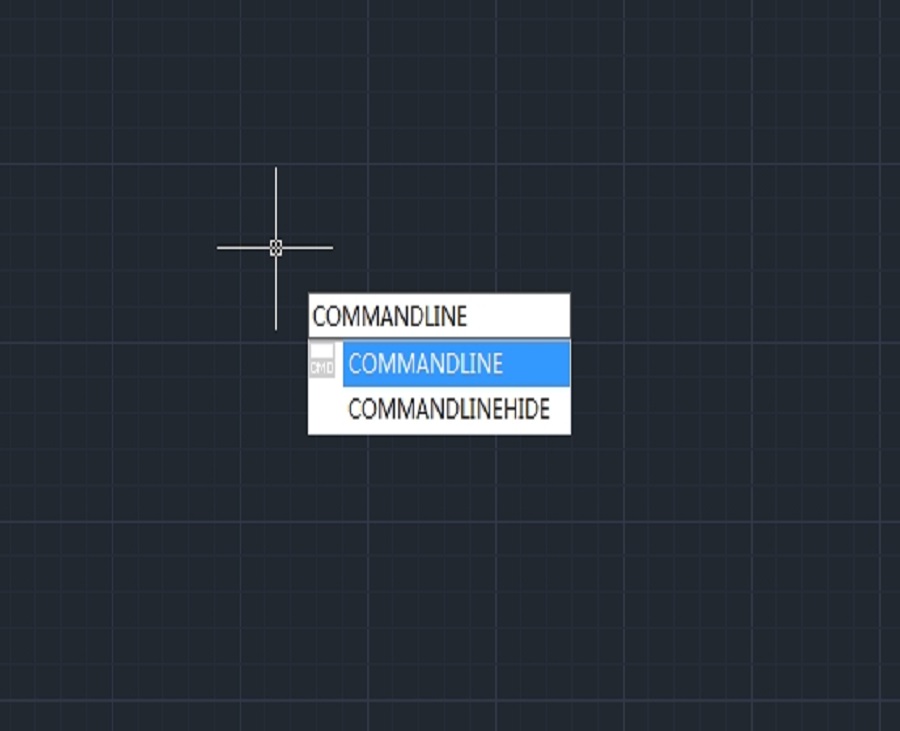
Command line missing in CAD? How to get it back?
The command line in your CAD software serves as an important way for controlling and manage your CAD. Sometimes it is possible for the command line to disappear, but don’t worry, we can get it back.

How to convert a PDF to a DWG/DXF?
The PDF to DXF feature allows users to convert PDF files to .dxf files directly in GstarCAD.
How to choose and use a 3D CAD mouse?
A CAD mouse is a specialized input device designed to enhance the efficiency and precision of computer-aided design work.

Why the boundary of plotted PDF is clipped?
When using an ordinary printer, and if the frame size is the same as paper size, then it’s normal to have the frame boundary unplotted, because there always will be margins when plotting.

How to set properties of objects to ByLayer?
We’ve heard a lot of complaints about how unstandardized drawing files cause headache. For example, many properties are not set to Bylayer, making it very troublesome to edit and adjust the drawings.

Can I change the font displayed in the Command Line?
You may find the default fonts in the command line too small or don’t like the font style, and wonder if you can change the font. Yes, of course you can.

Troubleshooting: How to turn off NaviCube in GstarCAD
NaviCube is a very useful navigation tool that allows users to easily switch between standard and isometric views and switch to one of preset views by clicking or dragging the NaviCube, roll the current view, or change to the Home view of the model.
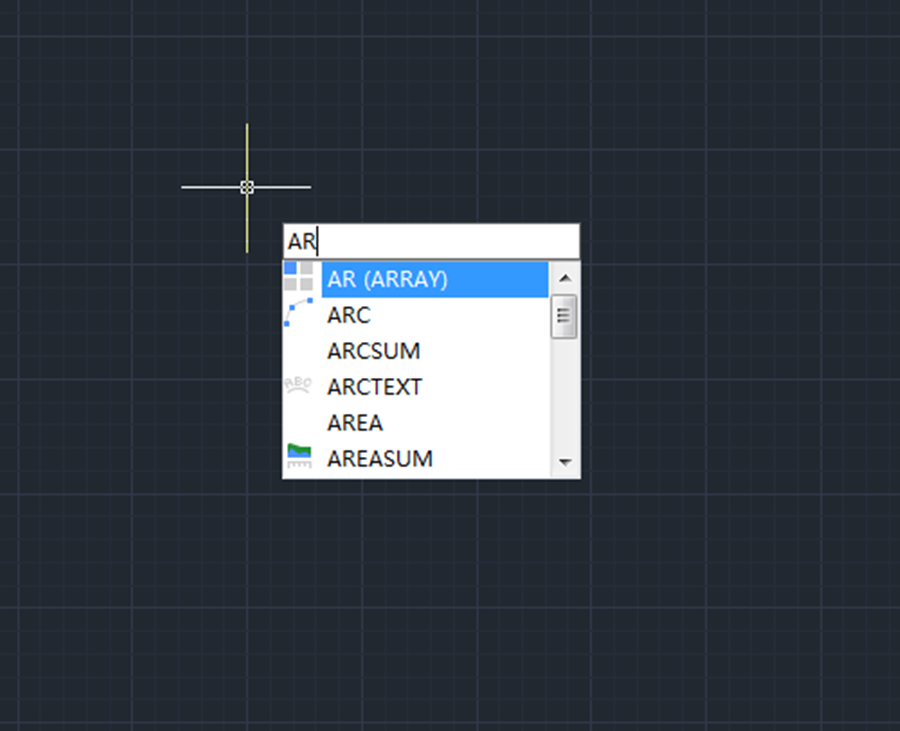
How do I get the Array dialog box back in CAD?
This post is for those who want the good old Array dialog box back. To display the Array dialog box, just input Arrayclassic, and press Enter key
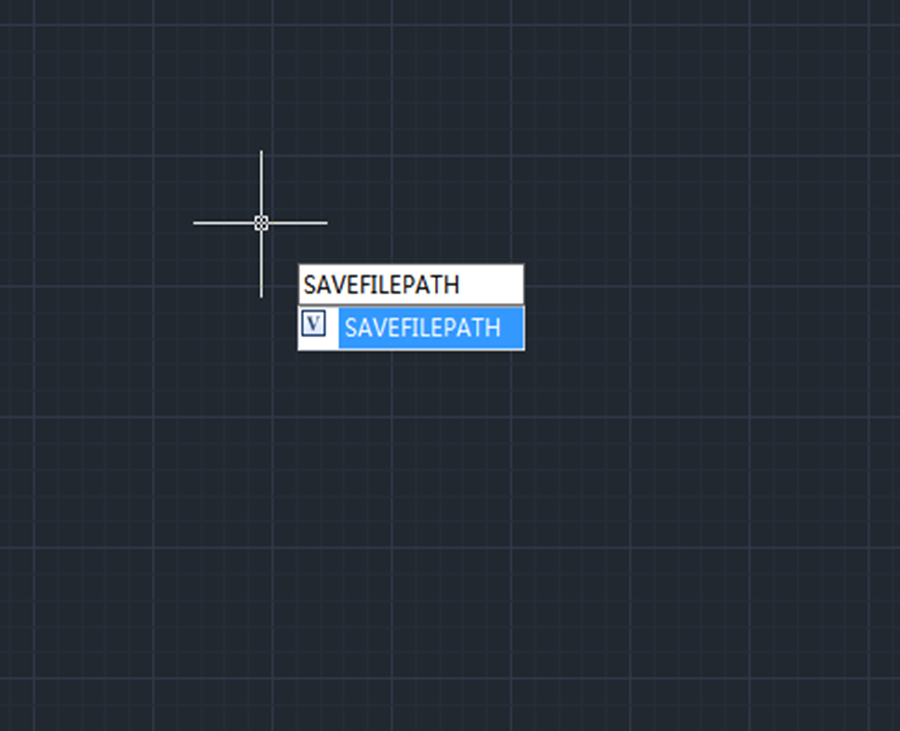
How to recover unsaved CAD files from AutoSave
Users can recover unsaved CAD files using the AutoSave feature. In order to use the AutoSave feature, we need to enable it in the settings.

Cannot select objects before command?
Normally, CAD users can either click on a command icon and then select an object or select an object first and then click on the command icon, both will do. But what to do when you can’t select objects before running the command?







