How to copy relevant features from another drawing
Users will have the ability to copy relevant drawing features like dimension and text styles, blocks, layers, linetypes and xrefs from Drawing A and add it to Drawing B using…
Move objects together or edit them individually by group tool
Do you ever need to move or edit objects together but still have the need to edit those same objects individually? GstarCAD can do that with GROUPS.
GstarCAD match properties settings
Many users already know that we can match object properties using MATCHPROP (or MA for short key in). This tool is very handy for you who want to change an object’s properties to…
Why specific objects in my drawing are shown as boxes
Have you ever found that when you open a drawing, you see your texts are missing? You only see them as boxes like below.
Navigate between model and paper space with hyperlinks
Below is a step-by-step process that helps you quickly navigate between Model space orientations and multiple Layout tabs using Saved Views and Hyperlinks (this tip is lengthy, but so worth the…
How to set a dimension style to content always blank
If users do not want to show dimensions value for a particular reason, they can make the dimension contents permanently blank by following the steps below:
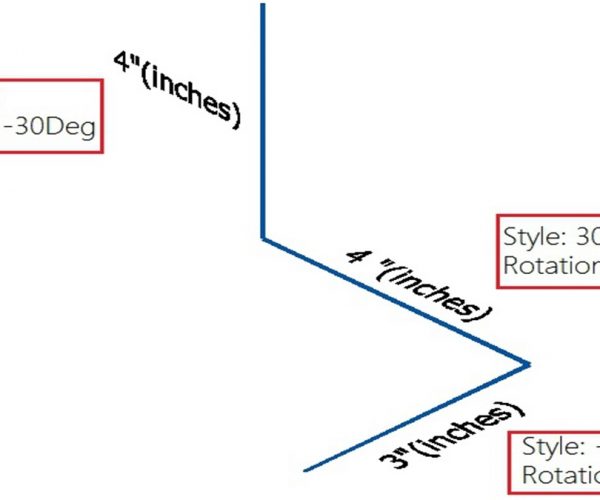
How to annotate isometric drawings
Have you tried to annotate your isometric drawings? How about dimensions and text, is it appear properly?
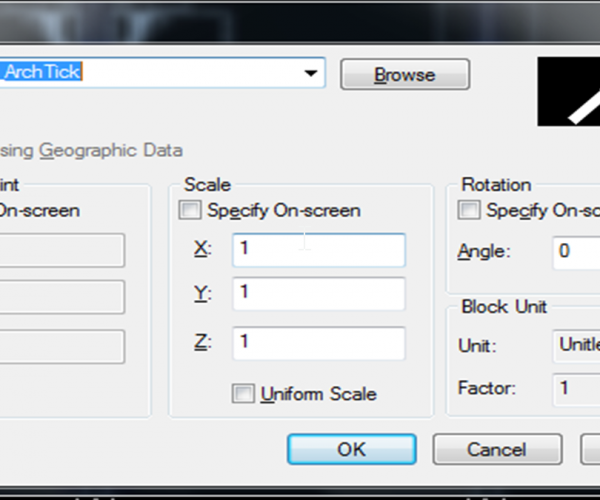
How to modify objects with non-uniform scale
Just using a simple tool. In the drawing below, if you notice blue cloud area, you can see that the columns or pillars do not fit in width with the…
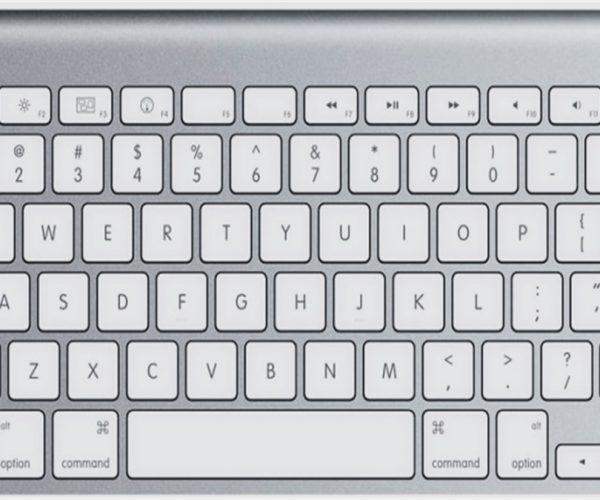
4 SHIFT key combination you might not know
It is great to know that GstarCAD offers a key combination that helps modify basic objects quickly.
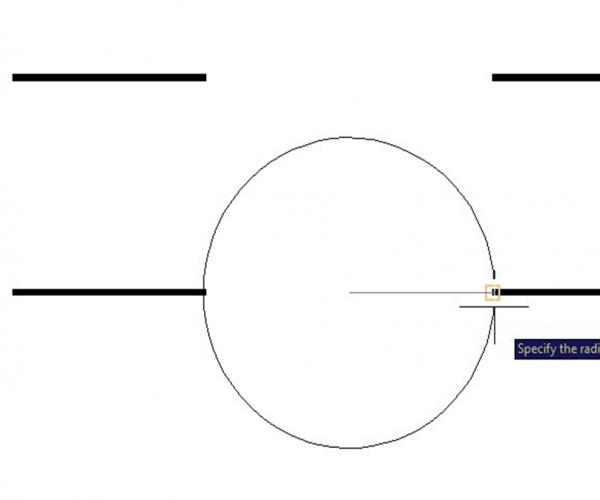
A sample of GstarCAD’s geometry calculator
People often don’t know about GstarCAD’s built in geometry calculator.