
CADtoWIN now supports GstarCAD: GSTARtoWIN is here
Exciting news for GstarCAD users! CADtoWIN has officially released GSTARtoWIN, which connects GstarCAD with Microsoft SharePoint and streamlines CAD workflows.
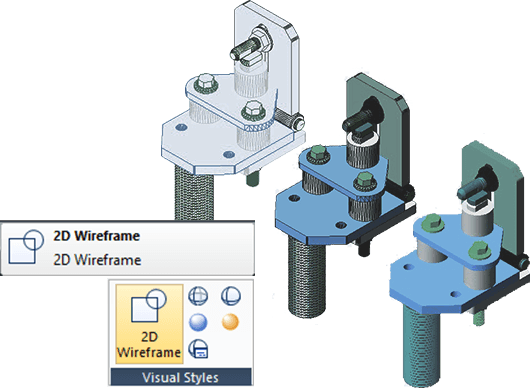
How to deal with 3D objects in GstarCAD
Handling 3D objects is essential in modern design. GstarCAD provides various tools to manage 3D models. This article will outline key methods for working with 3D objects in GstarCAD, helping users leverage its capabilities for more complex designs.

How to set up your CAD drawing environments
Learn how to customize your CAD drawing environments to fit your needs or project requirements for maximum working efficiency.

How to convert a mesh to a solid or surface in GstarCAD
How to convert a mesh to a solid or surface in GstarCAD

How to enable or disable hardware acceleration in CAD
GstarCAD 2025 now includes Hardware Acceleration, which uses the powerful graphics processing capabilities of the GPU to help the CPU handle tasks more efficiently. This update greatly improves the quality of graphic display and speeds up your work, enhancing the overall performance of the software.
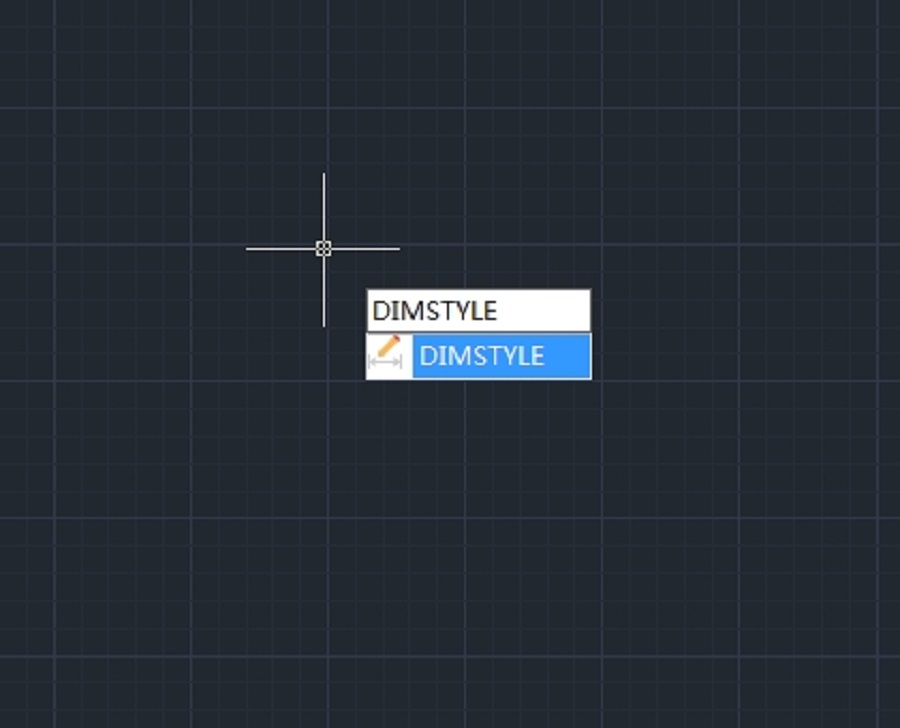
How to change the text height of a dimension in CAD
How to change the text height of a dimension in CAD

System requirements for GstarCAD for Linux
The Linux version of GstarCAD is built on the same core as the Windows version, ensuring a seamless experience with comprehensive features and user interface.

How to create a dynamic block definition in a few simple steps
In order to get a Dynamic Block Definition, improve block editing efficiency and avoid repeating modifications, we can create Dynamic Block by the following steps.

How to Optimize Your Design Process Using Distance Multipliers
Take the step shaft as an example, if we stretch the left part of the step shaft and the keyway still is at the center point of the smaller diameter shaft after stretching. Then, we use the “Distance Multiplier” property of action to achieve the aim.
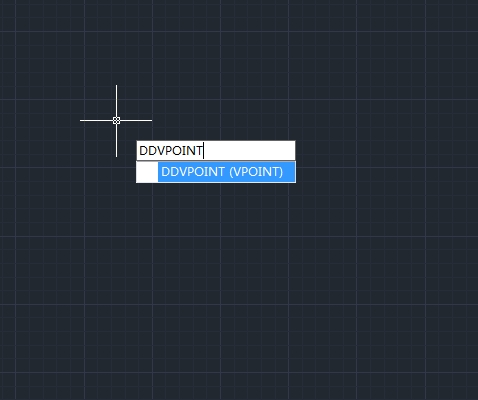
How to set the viewing direction
You view three dimensional drawings by setting the viewing direction. The viewing direction establishes the viewing position, when you view a drawing from the default viewpoint (0,0,1), you see a plan view of the drawing.








