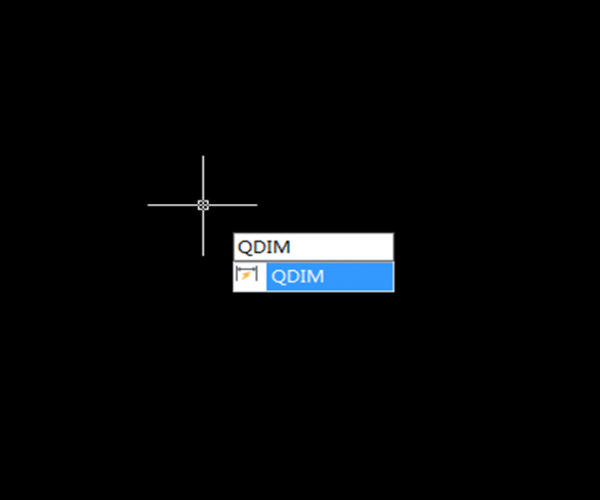
How to create a series of dimensions with QDIM command?
QDIM creates a series of baseline or continued dimensions or dimensions a series of circles and arcs, which greatly improves the drawing efficiency.

Tips for the simplest Editing command — MOVE command
The MOVE command is the simplest Editing command for CAD. Although its functionality remains unchanged for years, there are some tips for this command to improve our working efficiency.

Hatch
Hatch is an important command in CAD drawing, with Hatch, we can easily fill an enclosed area.

How to block graphics behind blocks? How to easily use Wipeout in CAD?
How to block graphics behind blocks? How to easily use Wipeout in CAD?

Offset
Offset is a frequently used command which helps us create graphics of the same kind such as concentric circles, parallel lines and so on. This post introduces the basics of…
What is Byblock and Bylayer in CAD?
Objects in CAD have several basic attributes such as color, linetype, line weight and so on, these attributes control the display effect and printing effect of graphics. So setting attributes…

How do I customize command shortcuts easily and faster
The CUSTACC command allows you to customize, delete, or modify existing command shortcuts