
Xref in CAD: Why you should use it & How to work with it
Xref is a shortened term for “external reference”. The Xref feature in CAD allows us to attach external references to our drawings and the attached Xref files can be used as reference to help us deal with our drawings with higher efficiency.

How to copy elements from external reference files and block with NCopy
NCopy command is used to copy objects that are contained in an external reference, block, or DGN underlay. Users can copy selected objects into the current drawing without exploding or binding an external reference, block or DGN underlay.

What’s the meaning of a dash or hyphen “-” before the name of a command ?
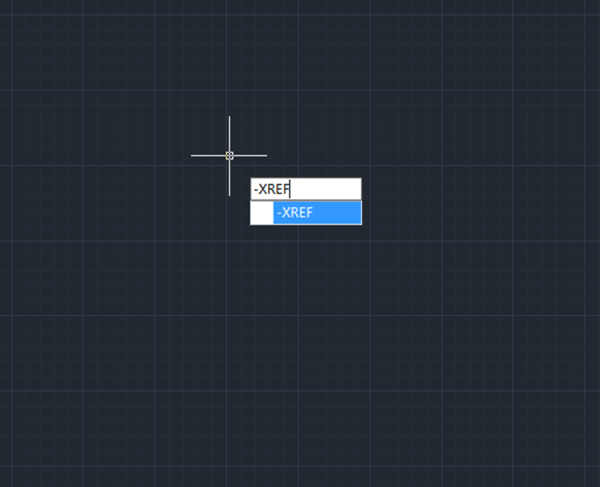
Sometimes we can see a hyphen before a command name, then what’s the difference between a command with and without the hyphen?
How to reload and bind all the references?
How to reload and bind all the references?
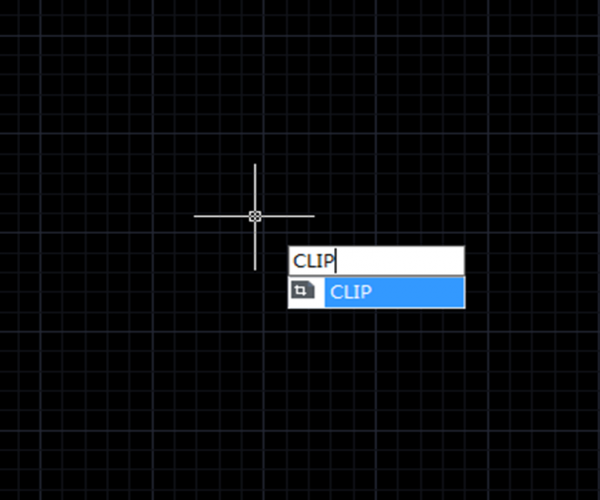
How to clip block, Xref, image or viewport?
CAD system has different clip commands for different objects: to clip image, the command is IMAGECLIP; to clip viewport, the command is VPCLIP; to clip block and Xref, the command is XCLIP.
What’s the difference between Attachment and Overlay when attaching external Reference?
If we choose Attachment type, then any xref that’s inserted into our drawing will carry through to the next one drawing when we xref your drawing into another drawing.
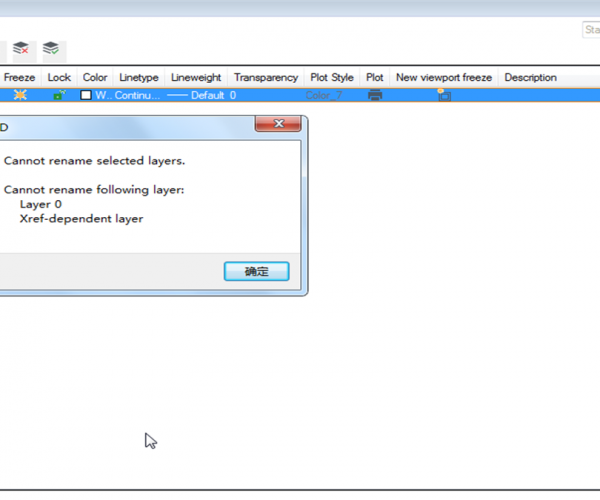
What’s the difference between Layer 0 and other layers?
We have known that layer 0 is the default CAD layer, but what’s the difference between layer 0 and other layers?
Tips for CAD external reference and its applications in design
The following contains contents and concepts about external references that you can easily find on the Internet, I’ve also made some modifications to them and I would like to share…
How to use bulk binds in Xref?
Electron transfer is an easy way to bulk bind external reference in drawing. Open the electron transfer dialog box, click Add File button to add the drawing files that you…







